
Why practice with local replay first
Same bars, same rules, less adrenaline — that is the point of local replay.
Why this matters
Most people who “practice” FX or XAU do it on a live or demo feed that never repeats. You cannot tell whether a better outcome came from a better process or from a different tape. Local replay is the opposite: you load market data that already lives on your machine, open a Session, and walk the chart forward with Play and Step. The bars do not care how you feel. You can stop, write a note, rewind the lesson in your head, and run the same window again tomorrow.
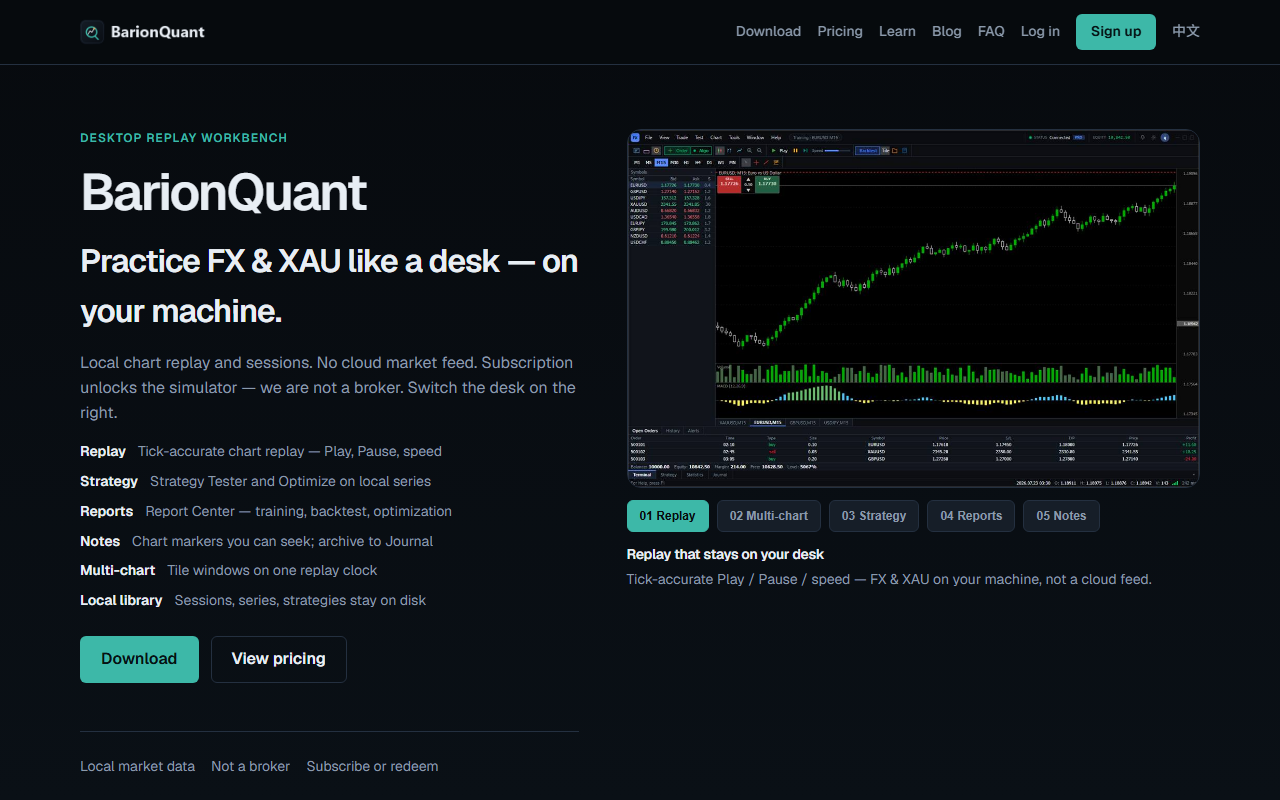
BarionQuant is built for that loop. The website says it plainly: local chart replay and sessions, no cloud market feed as the product, and we are not a broker. A Desktop subscription seat extends how long you can practice and unlocks the structured handbook you are reading. There is no separate “course membership.”
This article is public on purpose. If you only remember one idea before you install anything, remember this: replay is a lab, not a forecast.
Steps / Checklist
Use this checklist before you treat any live or demo account as “practice.”
- Write one rule you will actually follow in the next session (entry, skip, or size). One rule, not five.
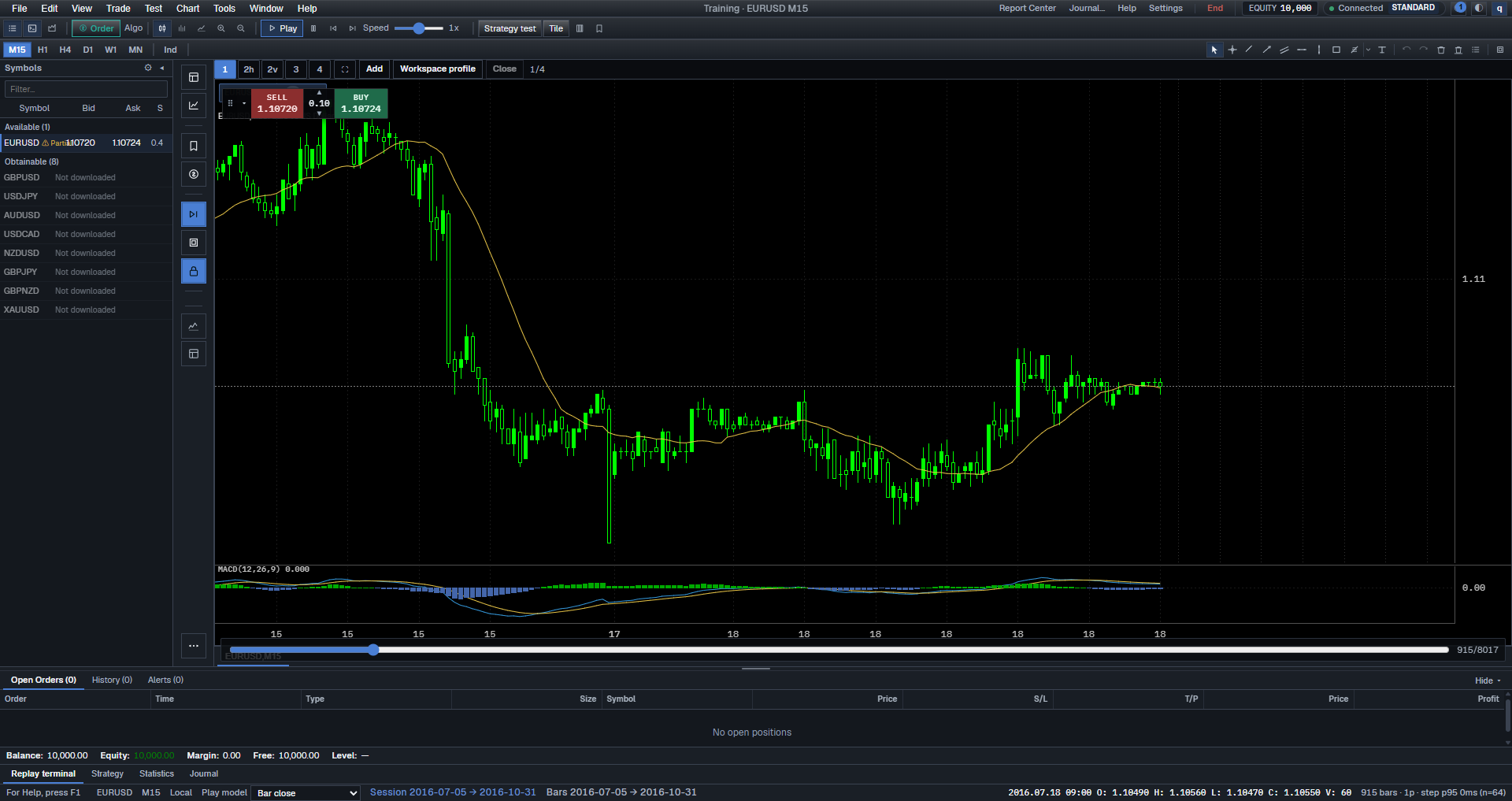
- Open BarionQuant Desktop and confirm you are in Training with a Session — not hunting a live ticket.
- Use Play to let bars advance, or Step to move one bar at a time when you need to think.
- When you break the rule, stop. Do not “make it back” on the same tape.
- Mark the moment (a note on the chart if you use notes) and write one sentence: what you saw versus what the rule allowed.
- End the session from File → End Training (or Test → End Training) when the lesson is over. Do not keep clicking until the P&L looks prettier.
- If this was ordinary training (not blind) and you need someone else to run the same bars, use Save as drill pack… on Session complete. Send the file. They open it with File → Open drill pack… on their own Windows desk and pick Trade it yourself or Follow the instructor. A file, not a link. Blind sittings cannot be packed. There is no download on this lesson. The search cut is Send a student the same chart to practice.
- Tomorrow, reopen the same kind of session and check whether the same excuse appears.
- If you cannot describe the lesson in one sentence, the session was entertainment, not practice.
Local replay is “first” because it is the only setup where those nine steps are cheap. On a live tape you pay in attention and in money. On a random demo you pay in confusion: the next bar is never the same bar.
Screenshots
Common mistakes
- Treating replay P&L as evidence you are “ready” for size. Replay scores process. It does not predict the next live week.
- Changing period, indicators, and the rule in the same session. You will not know what you learned.
- Leaving New Order / training tickets in the story as if BarionQuant routed to a broker. It does not. Training actions stay inside the simulator.
- Skipping the written sentence at the end. Without a sentence, you will remember the feeling and forget the rule.
- Waiting for a “perfect” data set. A thin local series you can replay is more useful than a fantasy of complete history.
Next in the handbook
Read Not a broker: training-tool boundaries next. It states what BarionQuant is not — custody, deposits, advice — so the rest of the tree does not have to keep apologizing.
Educational training content only. BarionQuant is not a broker and does not provide investment advice. Past practice results do not predict future outcomes.