
One Ready EURUSD series — then open Training
If you search import HistData EURUSD, stop measuring progress by zip count. Measure a Ready series and one session you can end.
Direct answer
Import HistData EURUSD usually means: take a third-party Generic ASCII / CSV pack (HistData is the common free source), get it onto a practice desk, and replay bars locally.
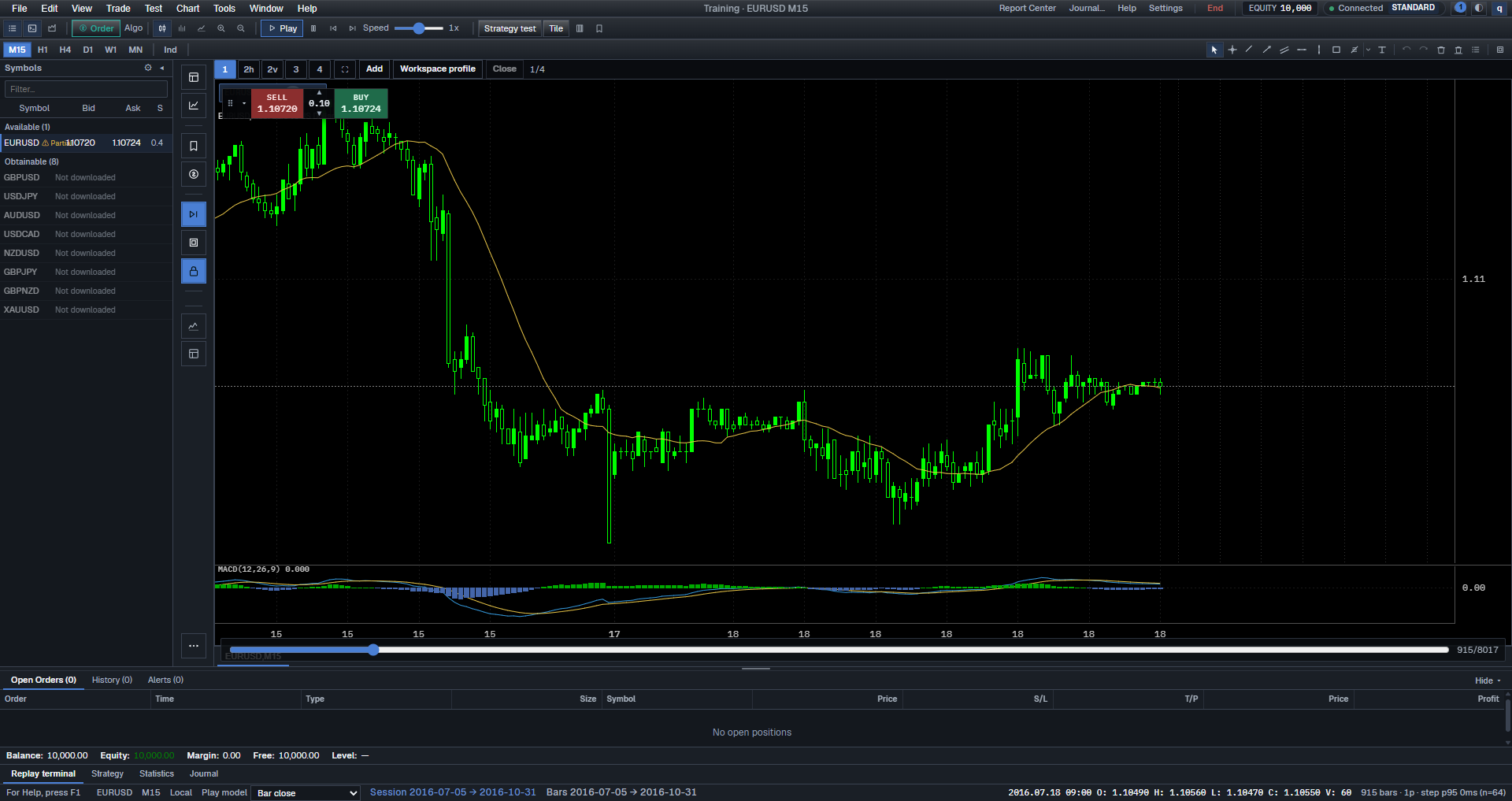
Success is not “I downloaded 2000–2026.” Success is: the desk shows a Ready EURUSD series, you open Training, Play briefly, and end the sitting. Anything short of that is still prep.
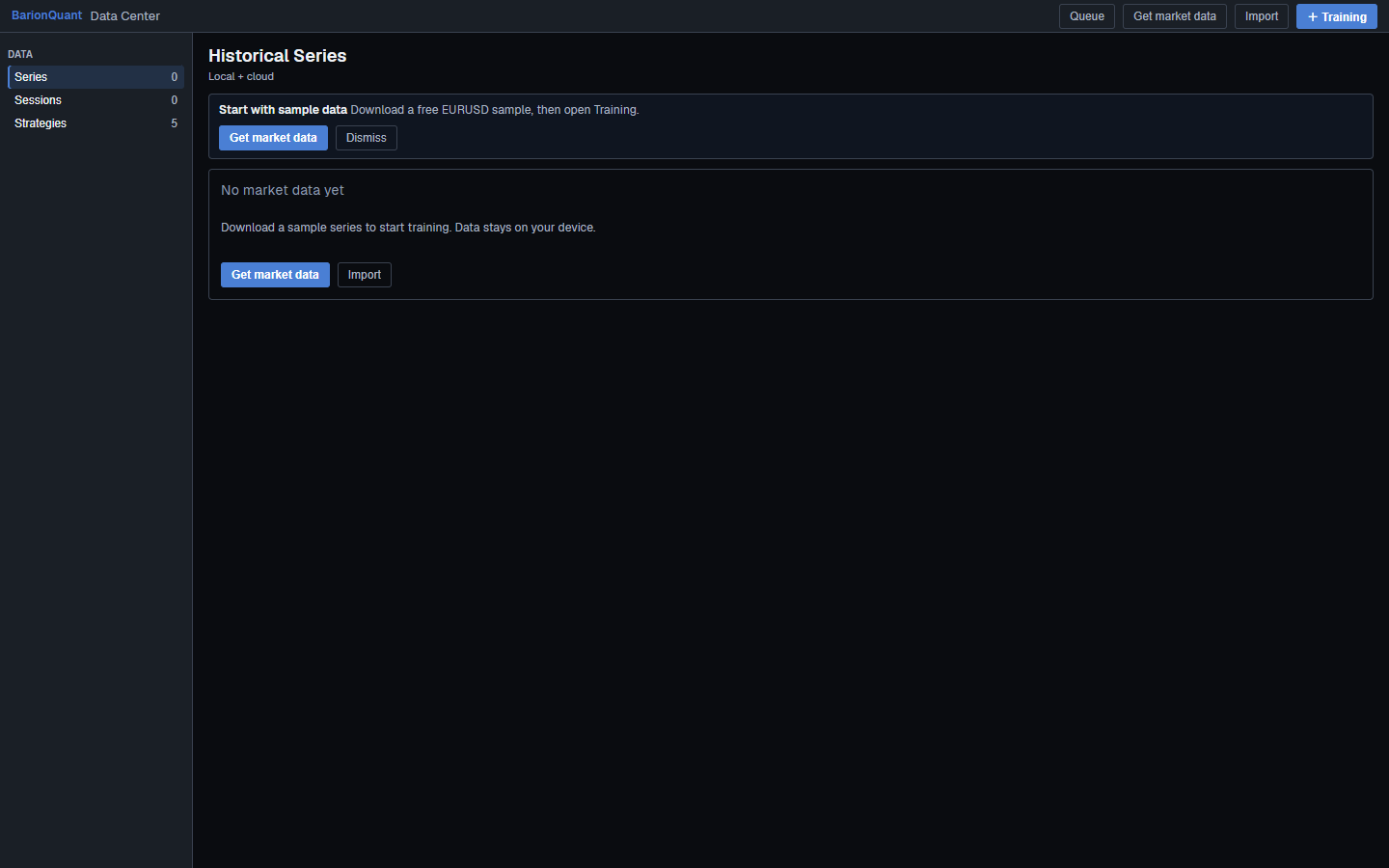
BarionQuant is a Windows training desk. Free starts with EURUSD. You can use the in-app sample path (the empty Data Center may say Get market data / Get EURUSD sample (HistData)) or Import a local file the dialog accepts. We do not promise every CSV on the internet will load. We are not a broker, and HistData.com is not our product page.
Exact click order lives in the registered lesson Import one practice session (/en/learn/import-session). This public page is the judgment frame.
How to judge
Three standards before you chase another zip.
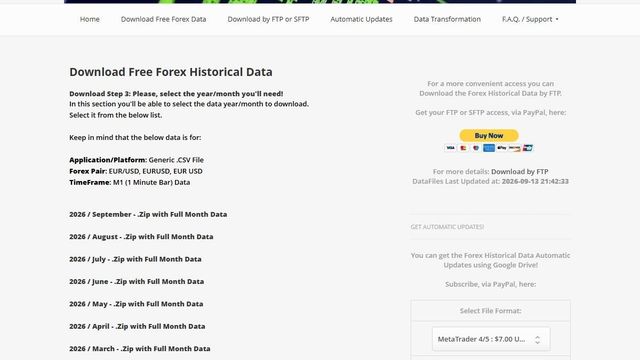
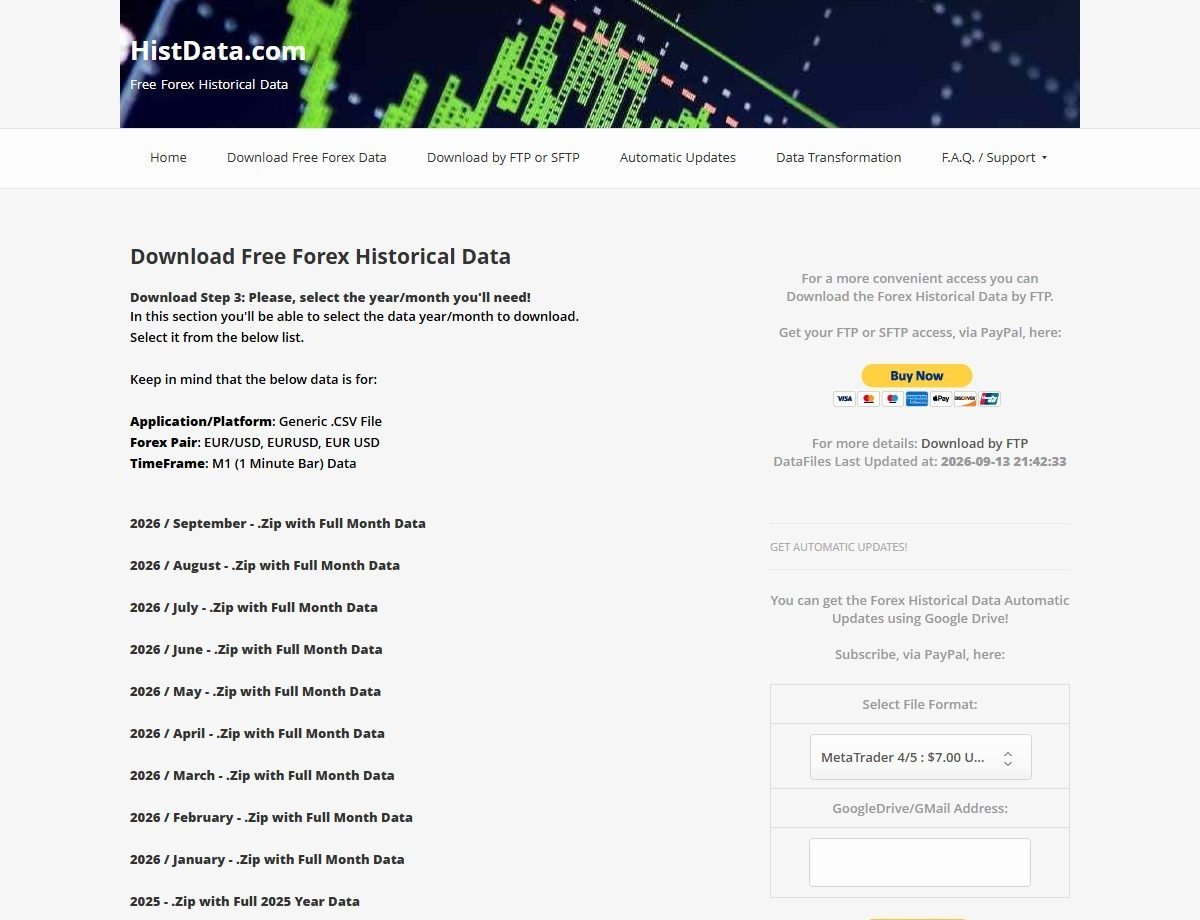
1. Do you know what HistData is — and is not? On 2026-09-18, HistData’s public download flow for Generic .CSV, EUR/USD, M1 (1 Minute Bar) listed month and year .Zip packs. That is a third-party ASCII archive site. It is not a live feed, not a broker, and not BarionQuant support. Side offers (FTP, Google Drive auto-updates) are theirs — ignore them if you only need one practice month.
2. Is the series Ready on the machine? Unzipping into Downloads does not count. In the desk, Historical Series should show the symbol and reach Ready (quality flags like Gaps/Thin are warnings, not trophies). If the row stays blocked or empty, fix that one file — do not import five more.
3. Did you finish one Training sitting? A file without a session is still inventory. Open Training, confirm the chart moves with Play or Step, then end cleanly. That closes the loop. Strategy Tester is not this job.
What we do
I treat data as gym equipment, not as a collection hobby. Positioning B: method first; the window is where you rehearse.
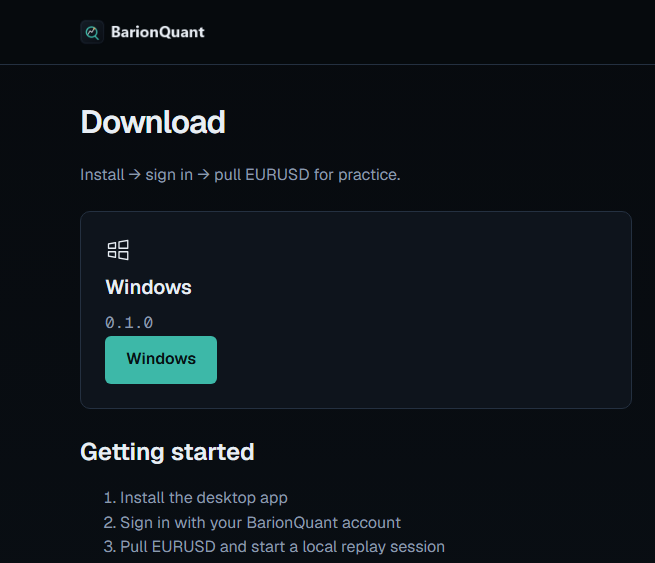
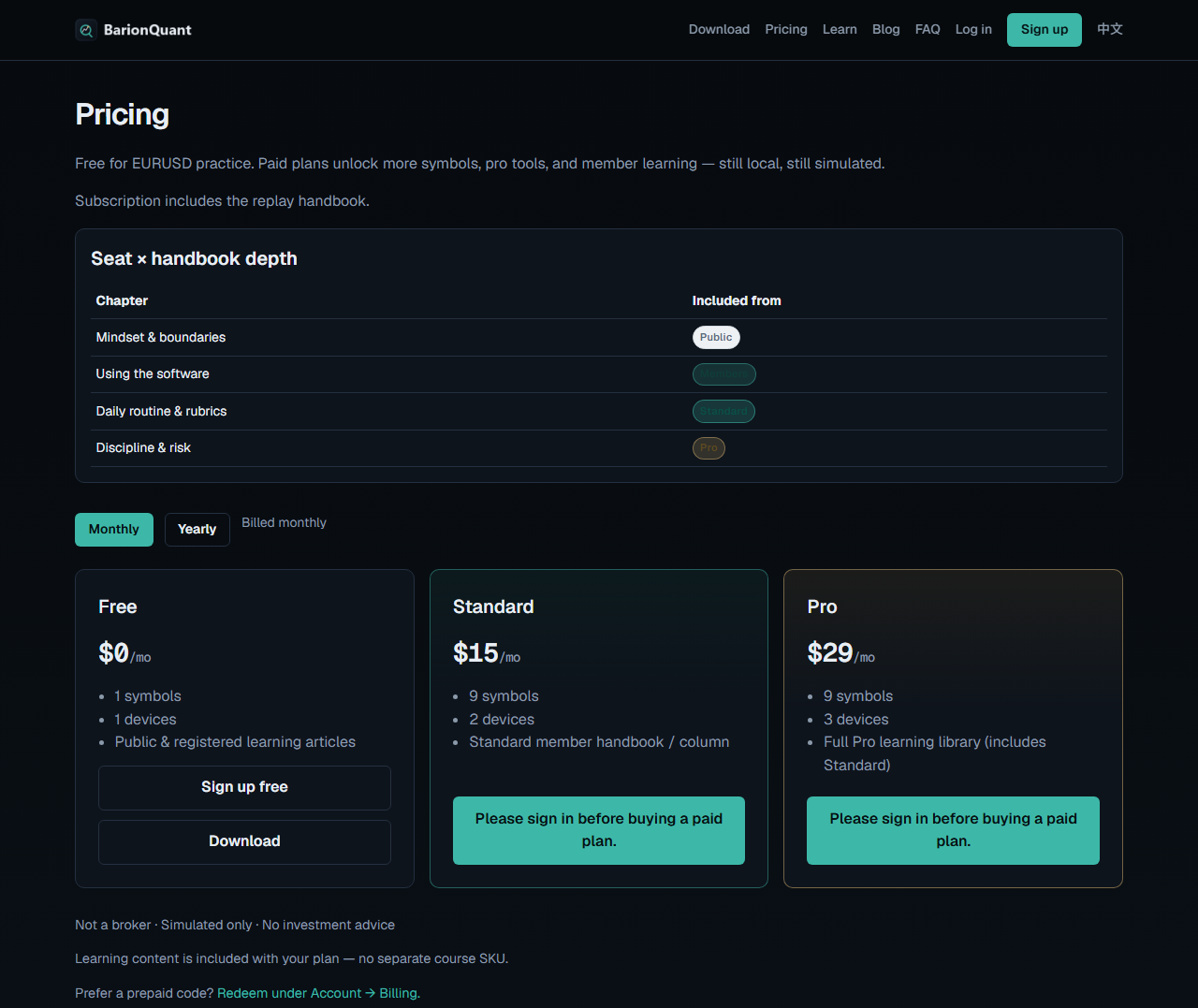
Download (/en/download) is install → sign in → pull EURUSD. On 2026-09-18 anonymous Pricing (/en/pricing) showed Free $0/mo, Standard $15/mo, Pro $29/mo. Free is enough to rehearse one Ready series and one session.
Two honest paths on our desk:
In-app sample — empty Data Center copy talks about downloading a sample that stays on your device. Prefer this for sitting one. Less format wrestling.
Self-serve ASCII — bring a file the Import dialog accepts (HistData Generic M1 is the usual search intent). If the dialog rejects it, we will not invent a secret converter in this article. Read the gated checklist when you need shipping verbs.
Sibling gold path: First 15 minutes after install (/en/blog/first-15-min-web). Boundary: Not a broker (/en/learn/not-a-broker).
Honest comparison
Forex Tester and similar IDEs win when you want a mature Import from a file mapper (separators, column roles, shift time) and deep vendor history packs. If column gymnastics are why you opened the tab, keep that path.
Soft4FX-class stories often sell long tick archives named from HistData / Dukascopy inside a license. If “20 years already in the box” is the requirement, we lose that cell on purpose — we will not invent a matching pack.
BarionQuant wins when you want a method seat: Free EURUSD, local files, one Ready series, one session, handbook on the seat. We lose Mac, browser replay, and the tick-depth arms race.
Who should skip
Skip this path — or skip us — if any of these are true:
- You need MetaTrader’s CSV import as the product. Use HistData’s MT FAQ; that is not our desk. - You require a guarantee that any CSV / any HistData format will load. We only accept what the shipping dialog accepts. - You want signals, pair picks, or a broker deposit. We will not provide those. - You plan to download twenty years before finishing one session. End one sitting first.
Screenshots
FAQ
Is HistData part of BarionQuant? No. HistData.com is an independent free/paid historical-data site. We may label a sample path with HistData when that is what the UI ships; we do not operate their downloads.
Should I import tick files for the first sitting? Usually no. One M1-oriented practice series you can finish beats a tick archive you never open. Depth is a later problem.
Will every HistData zip import? No. Only files the Desktop Import dialog accepts. If it fails, stop and use the in-app sample, or read import-session (/en/learn/import-session) after sign-in.
Do you connect to my broker for this data? No. Simulated practice only.
Next step
If the three standards match: download the Windows build (/en/download). For the first-sitting frame: First 15 minutes after install (/en/blog/first-15-min-web). For click-order on Import / Ready / Training: sign in and open Import one practice session (/en/learn/import-session).