
Offline CSV desks — and when Pull is enough
If the search is Windows + CSV + offline, decide the data door before you compare candle skins.
Direct answer
Searches for chart replay software on Windows with CSV / OHLCV and offline practice usually mean: bring your own file, load it locally, step the tape without a live broker feed.
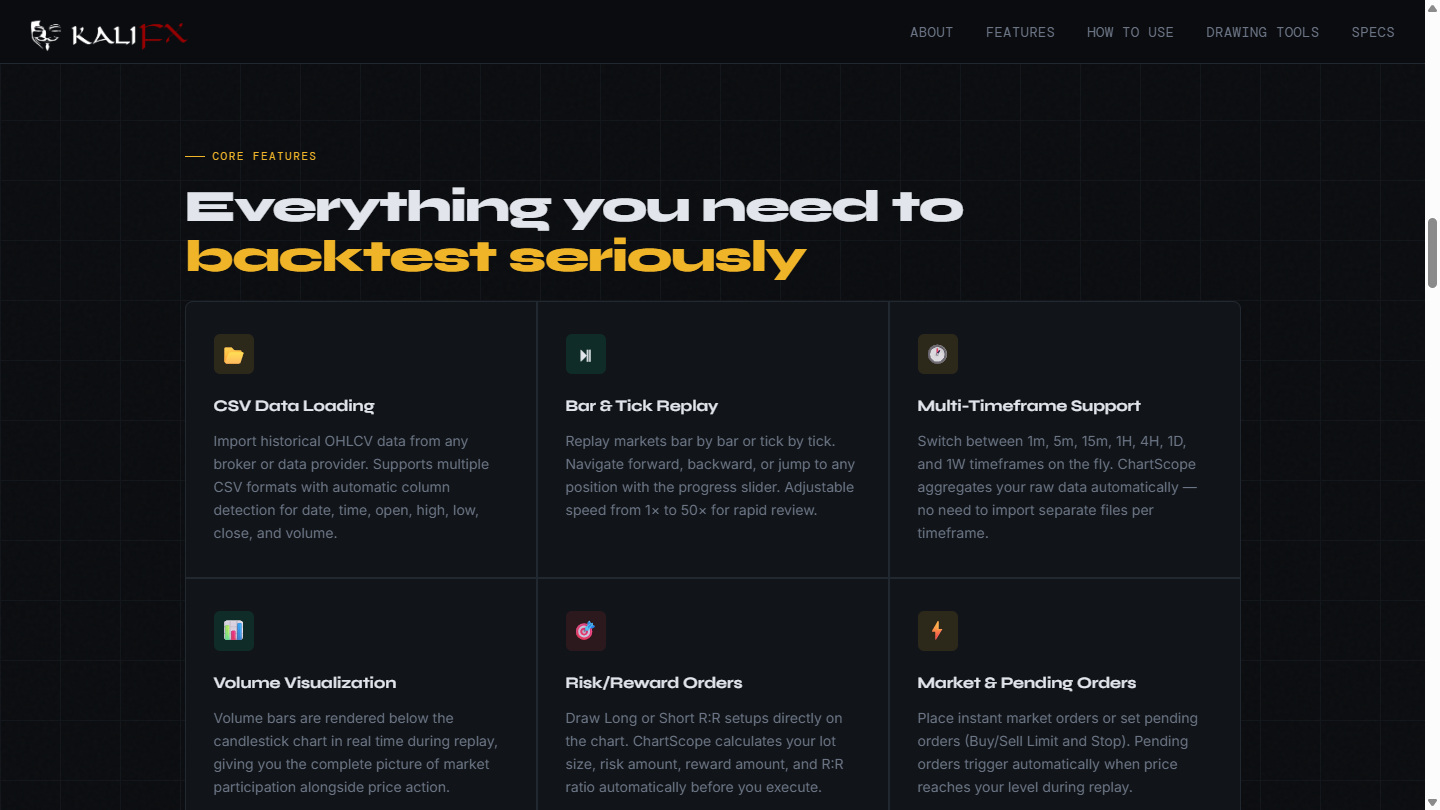
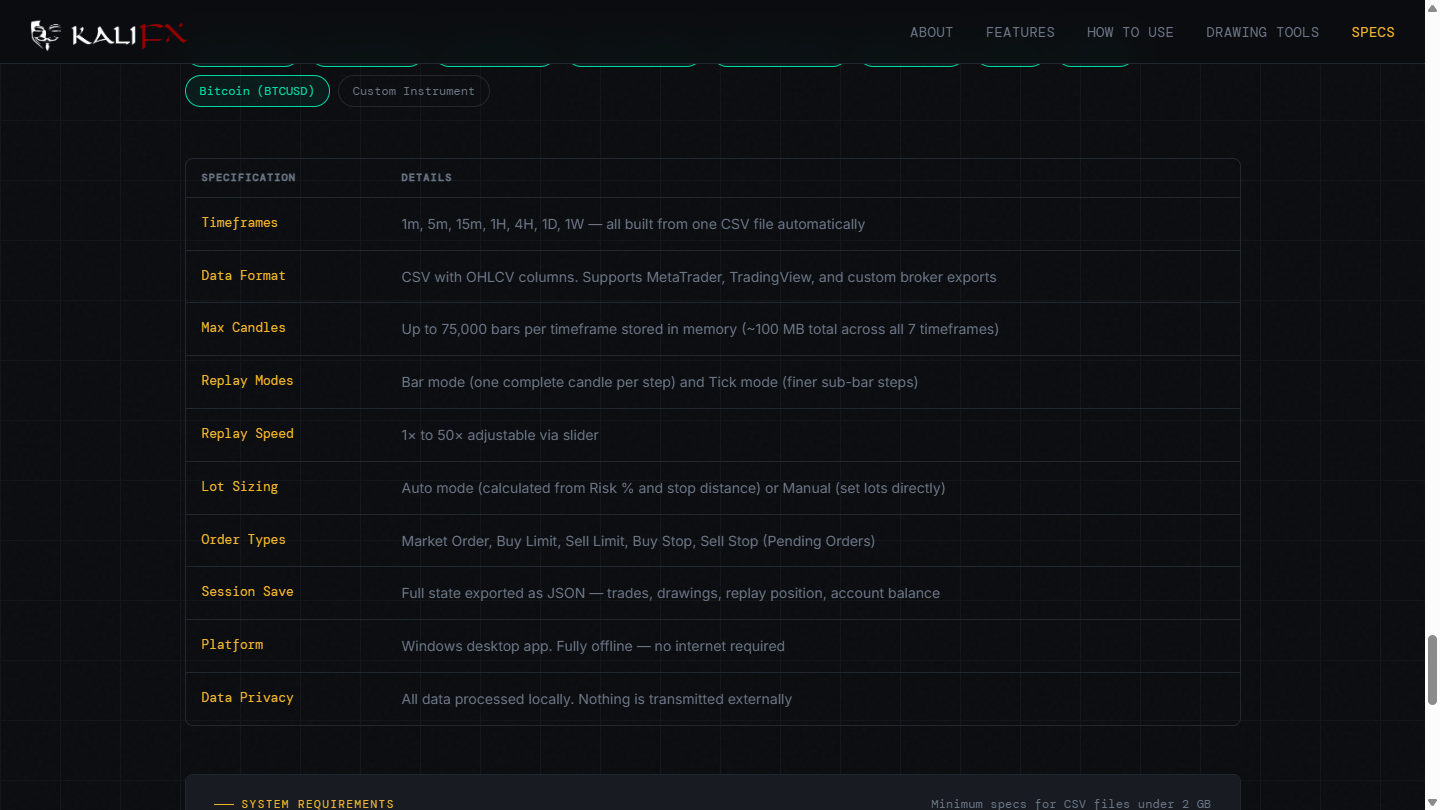
On 2026-09-22, ChartScope’s public page describes a lightweight offline trading simulator: load historical CSV data, replay candle by candle, and run as a standalone Windows desktop app where your data never leaves the machine. Its specification table lists CSV with OHLCV columns and Platform as Windows desktop app — Fully offline — no internet required.
That is a fair product for the query.
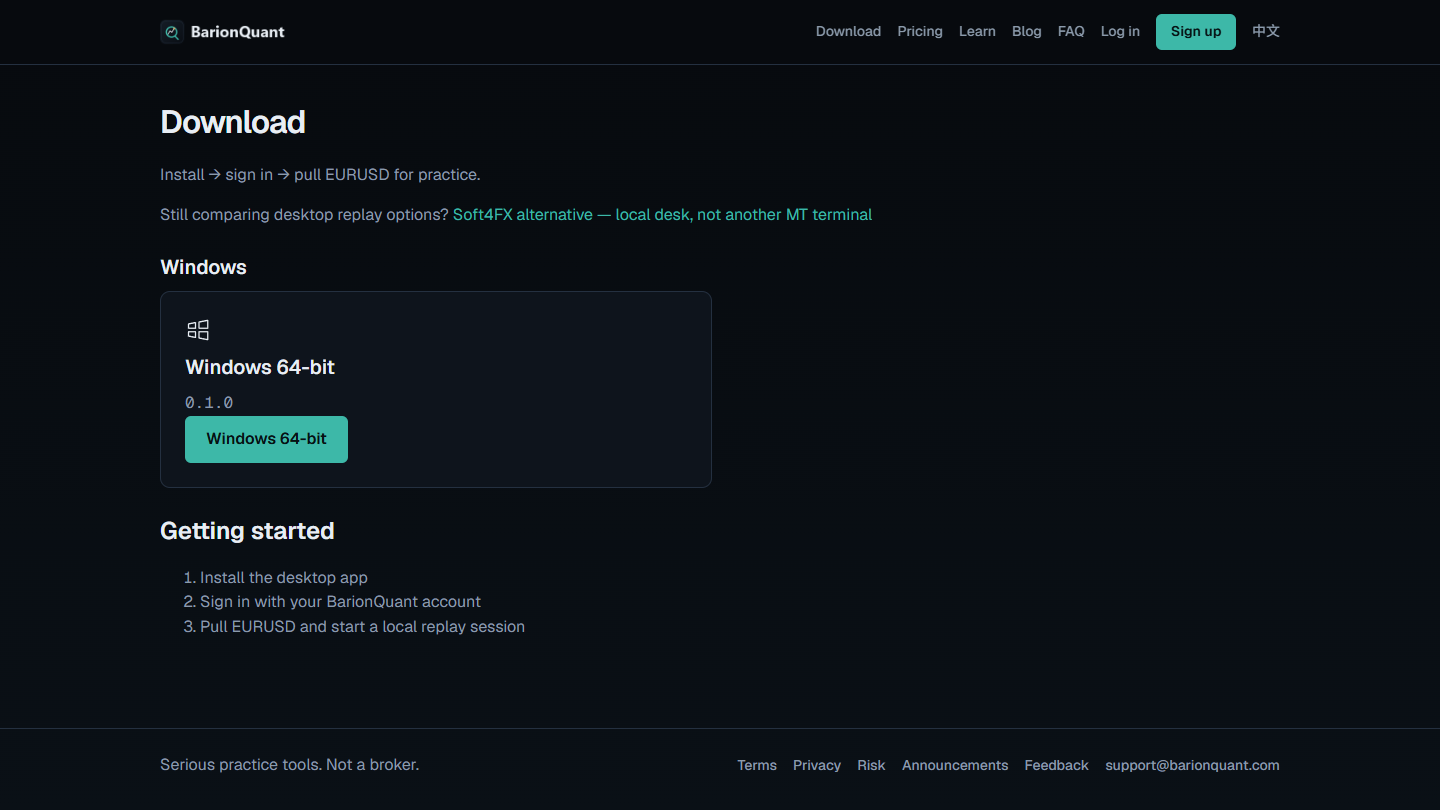
BarionQuant is also a Windows desk with files on the machine. The public Download path is Install → sign in → pull EURUSD for practice. Free EURUSD after a BarionQuant sign-in is the main door. Import of a local file the shipping dialog accepts is adjacent — we do not promise every CSV on the internet will load. We are not a broker.
If you need zero account and “drop any OHLCV file,” ChartScope-class tools match the search better. If you want a training seat with Pull EURUSD and a handbook on the same account, stay on this desk.
For HistData month zips as the narrow job, read “One Ready EURUSD series — then open Training.” For the Free sign-in gate alone, read “Pull EURUSD — Free starts after sign-in.”
How to judge
Where does the first usable tape come from?
CSV-first tools start at Load Data. ChartScope’s CSV Data Loading section says it imports historical OHLCV from brokers or providers, with automatic column detection for date, time, open, high, low, close, and volume.
Our Download page does not open with a CSV picker. It opens with install, sign-in, and pull EURUSD.
Does “offline” mean no network for the whole loop?
ChartScope’s platform row, same day, says Fully offline — no internet required.
On our side, practice data is meant to stay on the device after you pull or import. That is local replay — not a cloud market feed. It is not the same as shipping a desk that never asks you to sign in or reach a sample. Do not buy us for “never touch a network.”
Can you finish one Ready sitting — or only collect files?
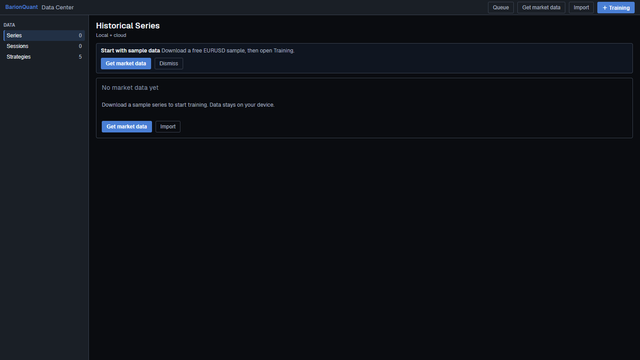
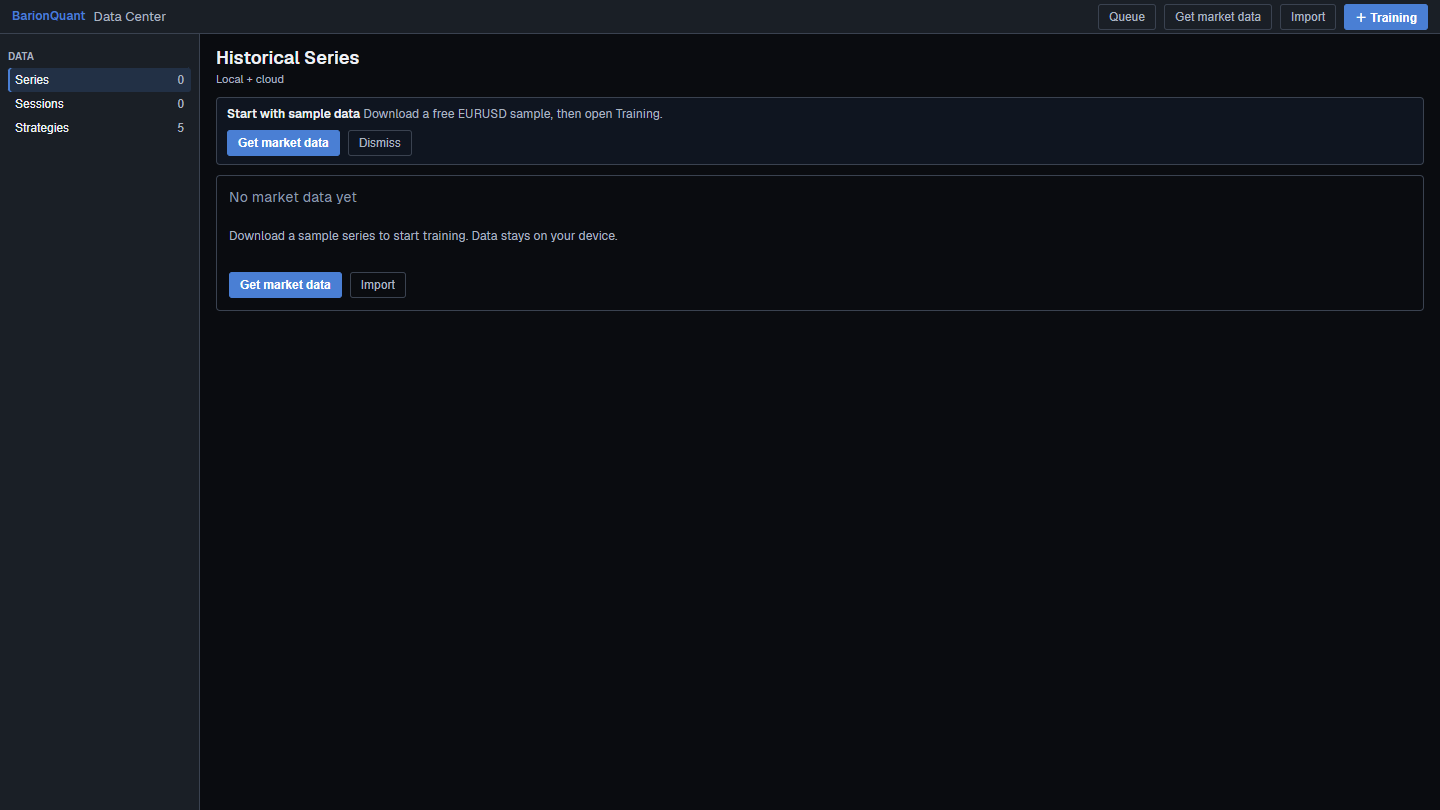
A Downloads folder of OHLCV dumps is not a finished loop. On our empty Data Center, the copy points at a free EURUSD sample that stays on your device, with Get market data / Data center controls. Prefer one Ready series and one Training sitting before you chase format gymnastics.
What we do
Judgment first. The desktop is the practice seat.
Free EURUSD after sign-in is enough to rehearse. A paid seat deepens the handbook. We ship Windows today — not Mac, not a browser replay. We do not ask for a broker deposit on Download (/en/download) or Pricing (/en/pricing).
Public Blog will not paste Import click maps. If the dialog rejects a file, we will not invent a secret converter here. The gated import lesson carries shipping verbs.
Honest comparison
What the pictures support.
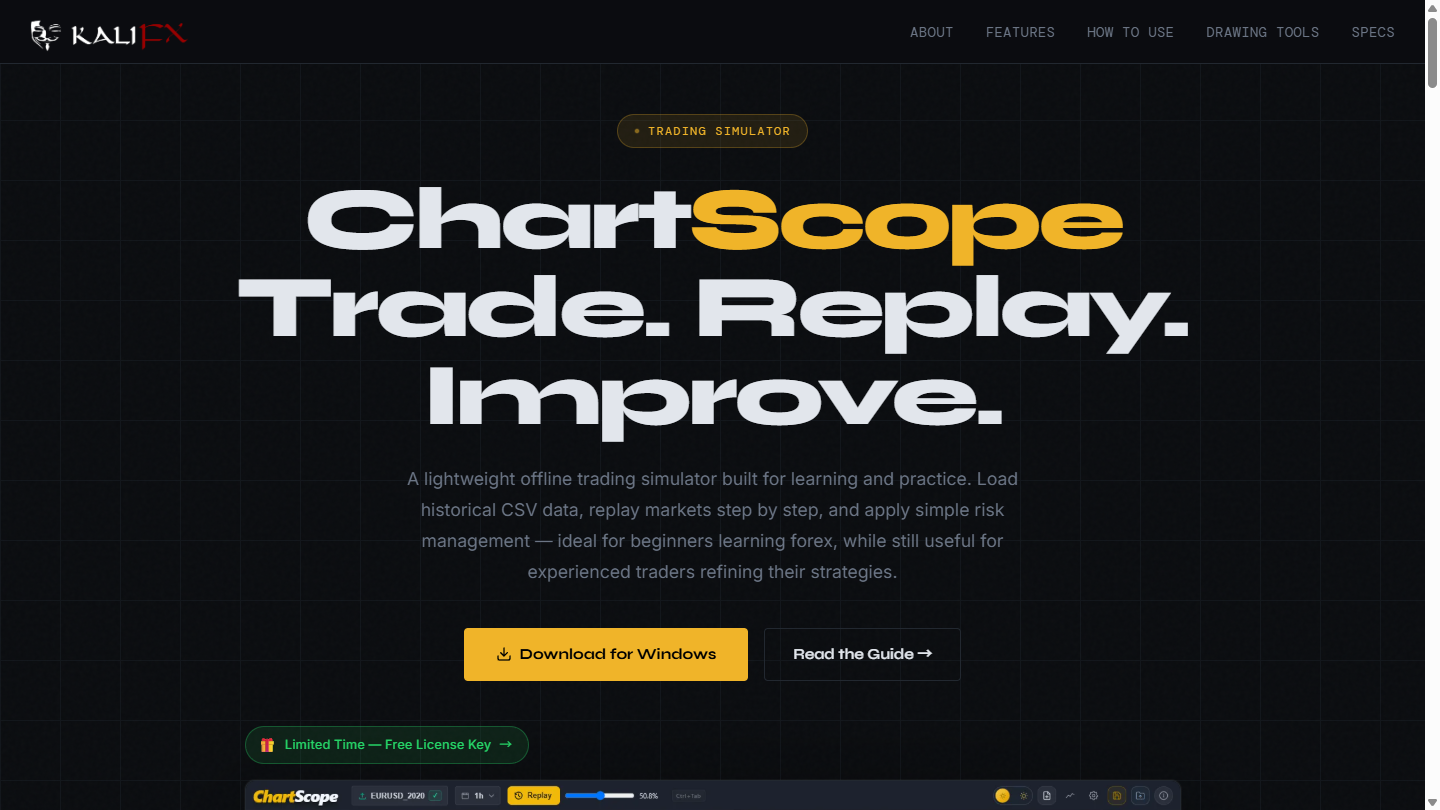
- Data door. ChartScope: Load CSV / OHLCV auto-detect. BarionQuant: Pull EURUSD after sign-in; Import only what the dialog accepts.
- Offline. ChartScope: Fully offline — no internet required. BarionQuant: local files after pull/import; onboarding is not a zero-network story.
- Method seat. We put a handbook on the paid seat. ChartScope’s public page sells a simulator for learning and practice — not our membership shelf.
- What we lose. Any-CSV guarantees, zero-account offline install, Mac, browser CSV labs.
Said plainly: keep ChartScope if your workflow is bring-your-own OHLCV and stay offline. Open Download (/en/download) if you want the Free EURUSD seat path and can accept that Import is secondary.
Who should skip
Skip us if:
- You refuse to create a BarionQuant account.
- You need a guarantee that every CSV / every broker export will load.
- You only want a browser tool.
- You came for signals or a live broker path.
Skip ChartScope-class tools if you want the handbook on the same seat as Free EURUSD pull, and you do not want to manage your own archive as the first job.
FAQ
Is Pull EURUSD the same as loading a CSV?
No. Pull is the in-app Free sample path after sign-in. CSV Import is a separate, dialog-gated path for accepted files.
Do you store my CSV in the cloud?
Practice files are meant to stay on the device. We are not a broker cloud book.
Will every HistData zip work?
No. That guarantee is not this product. See the HistData judgment article for Ready-series success, not zip count.
Next step
If Pull EURUSD on a local desk is enough: download the Windows build (/en/download). If you want the seat after Free: Pricing (/en/pricing). If your only job is HistData month packs into one Ready series, start with One Ready EURUSD series — then open Training (/en/blog/import-histdata-eurusd).
Educational content. BarionQuant is not a broker and does not provide investment advice or trade signals. ChartScope is named for contrast from its public page on 2026-09-22 — not as a partner. We do not guarantee arbitrary CSV imports.
Related reading

One Ready EURUSD series — then open Training
5 min
Success is one Ready EURUSD series and one finished Training — not a Downloads folder full of HistData zips.
Pull EURUSD — Free starts after sign-in
6 min
Free EURUSD on this desk starts after a BarionQuant sign-in. Browser tools that need no account are a different path.