
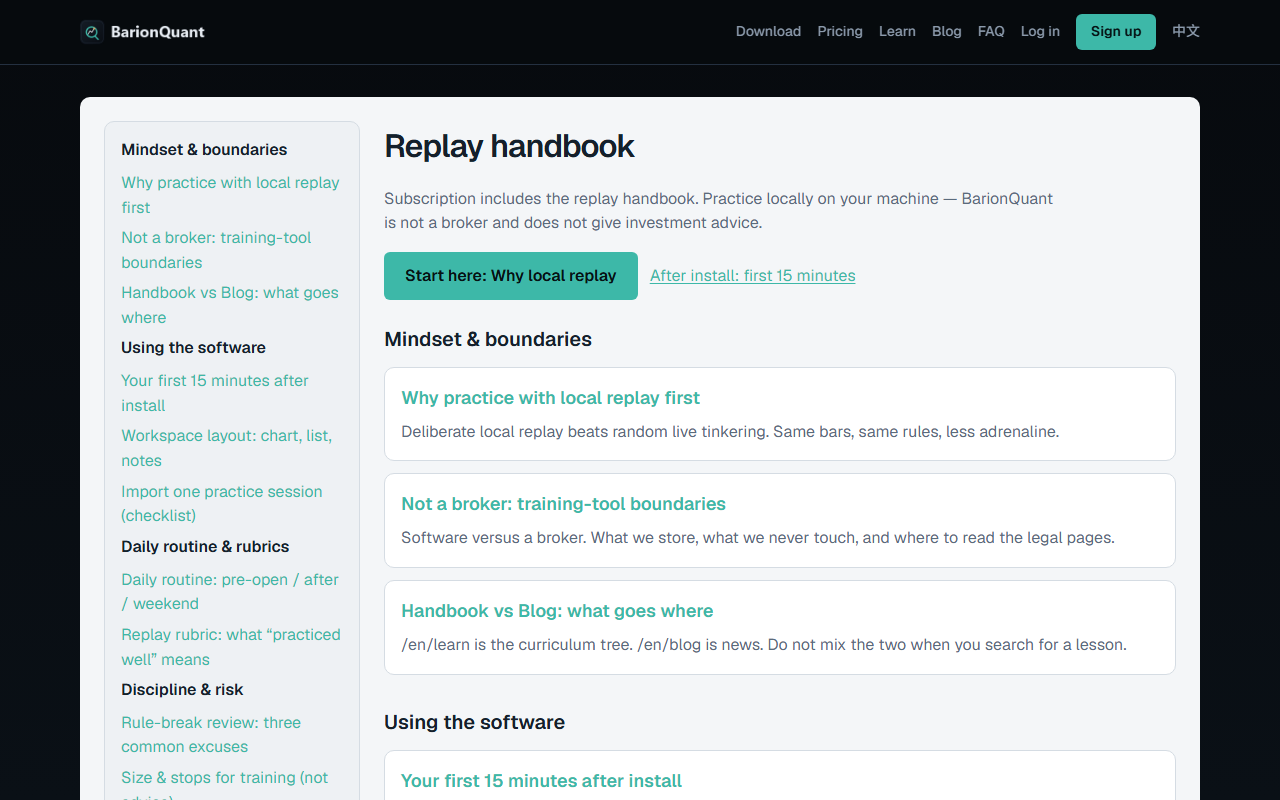
Handbook vs Blog: what goes where
Curriculum on Learn. News on Blog. Same brand, different job.
Why this matters
People lose twenty minutes because they search “how to import a session” on /en/blog and find a launch note instead. The site nav is honest: Learn and Blog are separate items. Learn uses a light paper shell, a chapter sidebar, breadcrumbs, and sequential previous/next. Blog uses the marketing list and cards.
Handbook articles live at /en/learn/{slug}. If you open the same slug under /en/blog/..., the site sends you to Learn. Marketing posts do the reverse. That split is intentional: a paywalled lesson must not leak into RSS or the blog index.
A Desktop seat includes the handbook. Public lessons (this chapter) are open. Registered, Standard, and Pro lessons show a teaser plus a plan wall until you sign in at the right tier. The wall is not a second product. It is the same seat you already see on Pricing.
Steps / Checklist
- Want a lesson that stays true next month? Open Learn in the header (/en/learn).
- Want a launch note, changelog tone, or opinion? Open Blog (/en/blog).
- On Learn, use the left chapter list. English ballast starts with Mindset & boundaries, then Using the software, Daily routine & rubrics, Discipline & risk.
- On an article, use the on-page contents list (headings) and the previous/next links at the bottom — not the browser back button as your only map.
- If you see a paywall, read the teaser only. The missing headings are the lesson. Sign in or open View plans. Do not hunt the same slug on Blog; it will not be there.
- After you subscribe or redeem, check Account → Library for unlocked handbook rows. Library is not Blog.
- If a Chinese chapter says coming soon, stay on en. This tree is English-first.
- If a URL says /ops/, you are in the CMS console, not the customer handbook. Close it unless you are staff.
Screenshots
Common mistakes
- Bookmarking a blog post as “the docs.” Bookmark /en/learn instead.
- Pasting a gated heading into a chat to “share the lesson.” If you are not entitled, you never saw that heading — do not invent it.
- Expecting Blog search to find Import… steps. Those live under Using the software.
- Treating the S37 engineering fixtures (Chinese probe slugs) as customer curriculum. They are not this tree.
- Paying twice because you thought handbook was a course store. It is included with the Desktop seat.
Next in the handbook
The software chapter starts with Your first 15 minutes after install (sign-in required).
Educational training content only. BarionQuant is not a broker and does not provide investment advice. Past practice results do not predict future outcomes.