
TradingView export chart data is not a replay
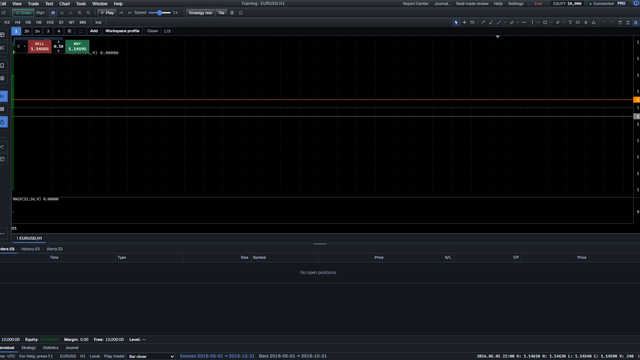
Their export is theirs. This photo is Training.
Direct answer
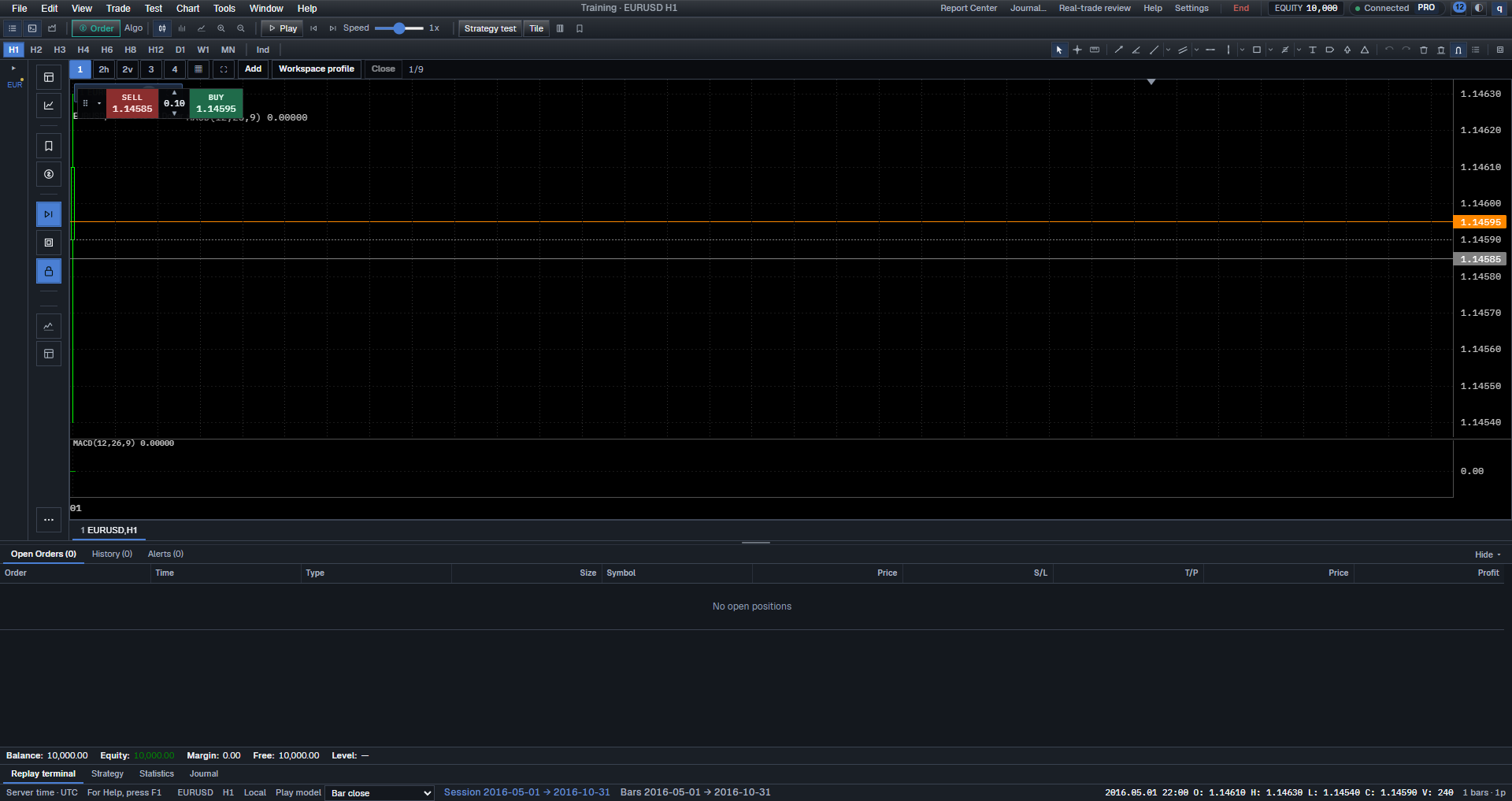
TradingView export chart data is not a replay. On 2026-11-01 this PC ran Training - EURUSD H1 on a series imported as ft_txt, Session 2016-05-01 → 2016-10-31. That is local training. TradingView’s export control is not on this machine. This page does not say “as shown” about their button.
BarionQuant is a Windows practice desk. It is not a broker.
How to judge
Three checks, in this order.
1. Is the chart this desk?
Title Training - EURUSD H1. Status Session 2016-05-01 → 2016-10-31.
2. Did a File series feed it?
Wizard source ft_txt. Not a TV export click.
3. Do you need their CSV?
Export it there. Import here if the format is one File accepts.
What we do
Import, then Training. Download.
On 2026-11-01 Pricing is Free $0, Standard $15/mo or $150/yr, Pro $29/mo or $290/yr. There is no 7-day free Pro.
Honest comparison
TradingView’s export is convenient if you already live there. We replay a file on Windows. We do not host their button.
Who should skip
- You only wanted a TV how-to with their UI.
Screenshots
FAQ
Where is their Export chart data? Not on this PC. Not in this figure.
Can their CSV start Training? Only if File import accepts it. Dotted dates on this day said no valid bars parsed.
Next
Export MetaTrader history and replay the CSV · Download
Educational training content only. BarionQuant is not a broker and does not provide investment advice. Past practice results do not predict future outcomes.
Related reading

Cloud bar replay shows the next bar when the timeframe changes
9 min
This page is the timeframe switch on a cloud replay. Plan depth and the cells we lose are on the selection page.
One Ready EURUSD series — then open Training
5 min
Success is one Ready EURUSD series and one finished Training — not a Downloads folder full of HistData zips.