
Same brand name. Two different products.
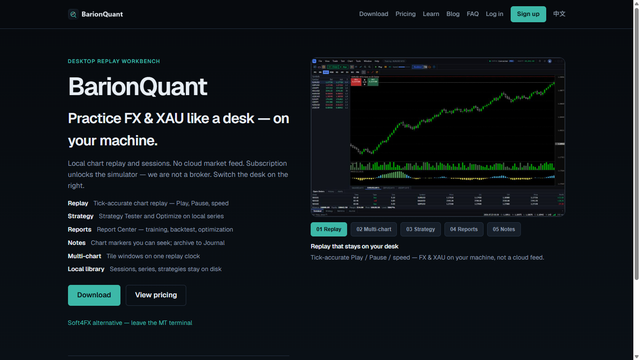
If Google shows a BarionQuant script first, that is not the Desktop training seat.
Direct answer
BarionQuant is one brand with more than one shelf.
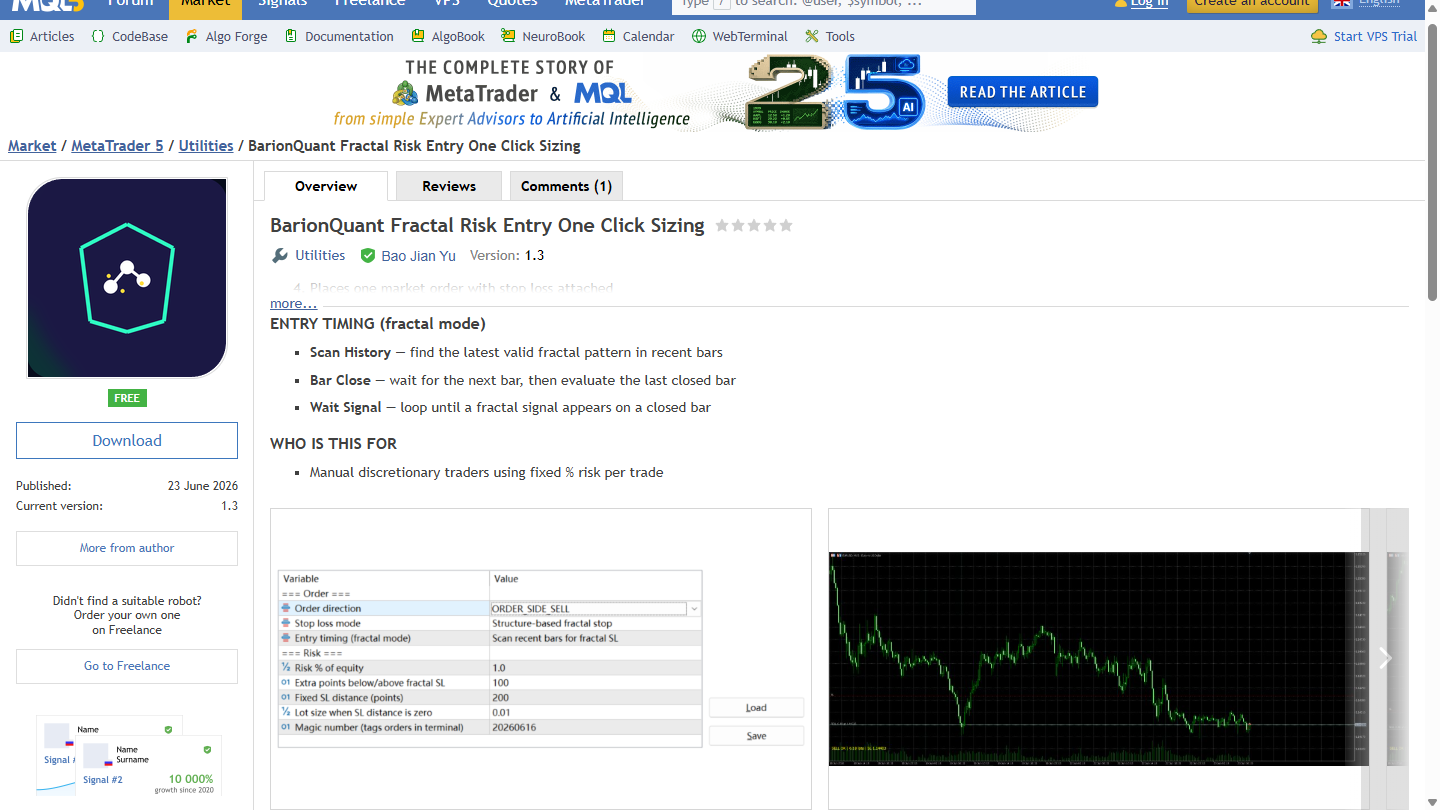
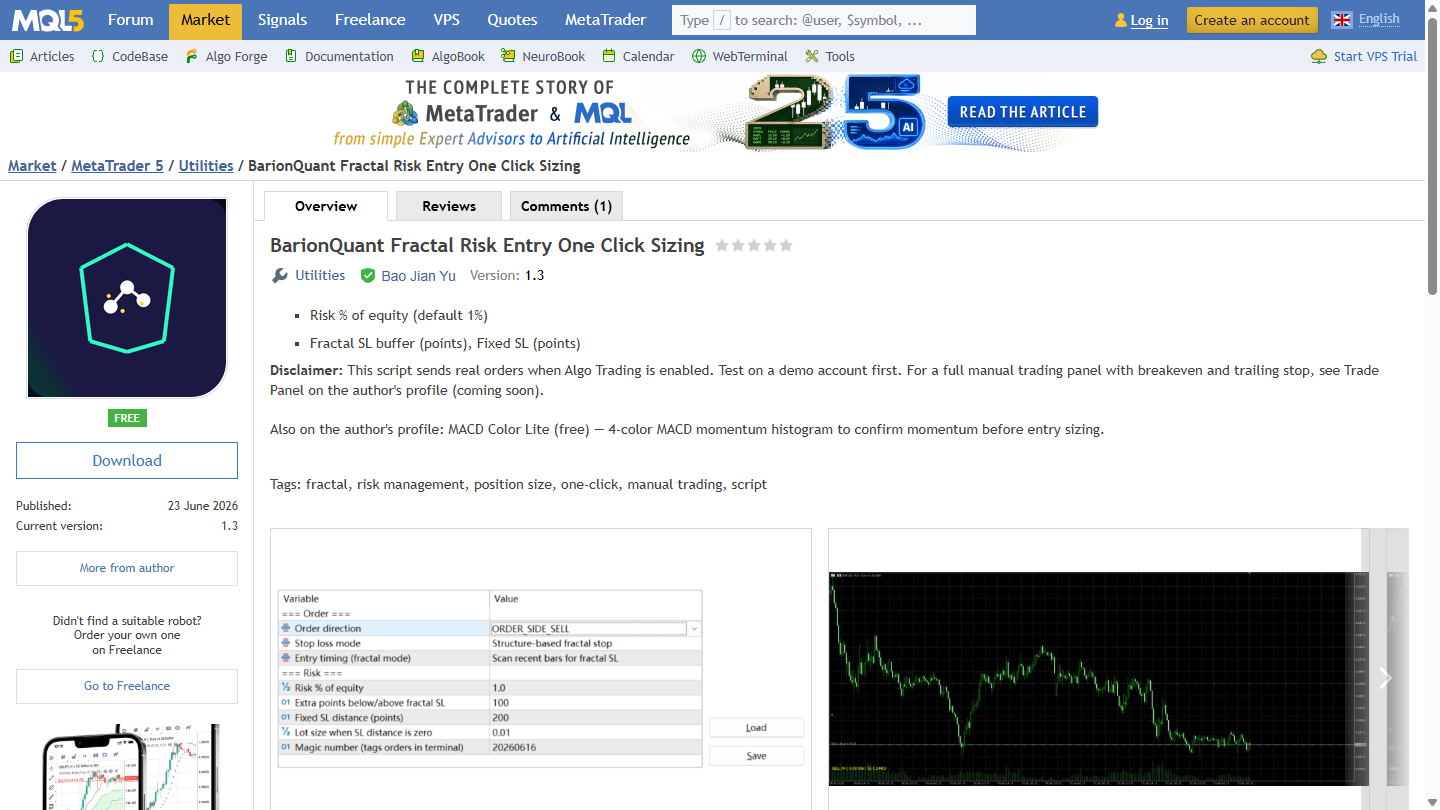
On the MetaTrader Market, tools under the same name can live inside a broker terminal. On 2026-09-22, the free utility BarionQuant Fractal Risk Entry One Click Sizing describes itself as a manual trading script that places one market order sized to your equity risk percentage. Its own disclaimer states that the script sends real orders when Algo Trading is enabled, and that you should test on a demo account first.
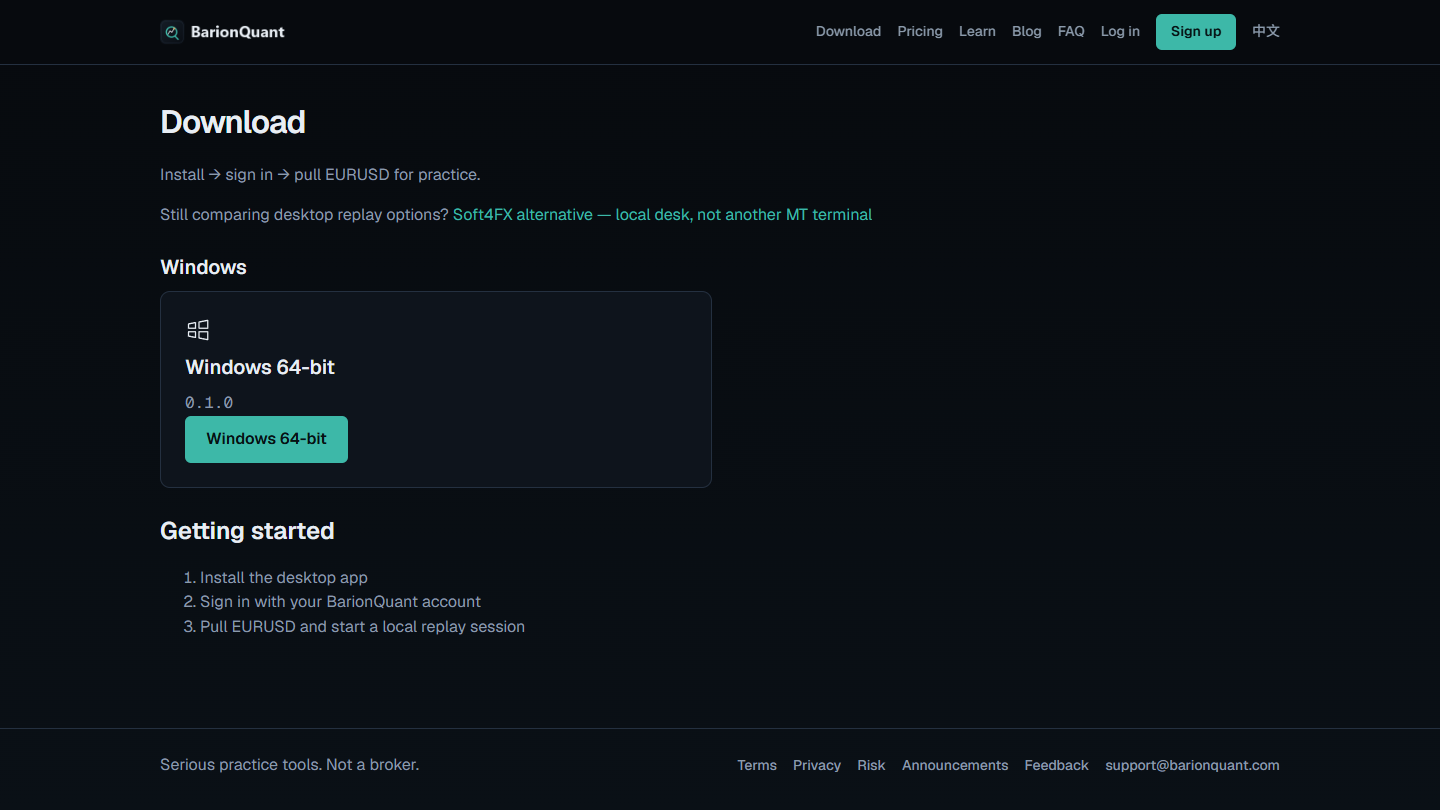
On barionquant.com, the product face is a Windows Desktop replay workbench: local chart sessions on your machine. The homepage says we are not a broker. Download is install → sign in → pull EURUSD for practice — Soft4FX alternative as a local desk, not another MT terminal.
Those two surfaces share a brand word. They do not share a job. Confusing them is how people think they bought a practice desk when they attached a script that can send orders.
We will not rewrite the Market storefront as a condition of this article. The cut is for readers who land on either page and need a clean fork.
How to judge
Does this product send orders to a trading account?
If the listing says it places a market order, or that it sends real orders when Algo Trading is enabled, treat it as account-touching software. That is normal for MetaTrader utilities. It is not a training desk.
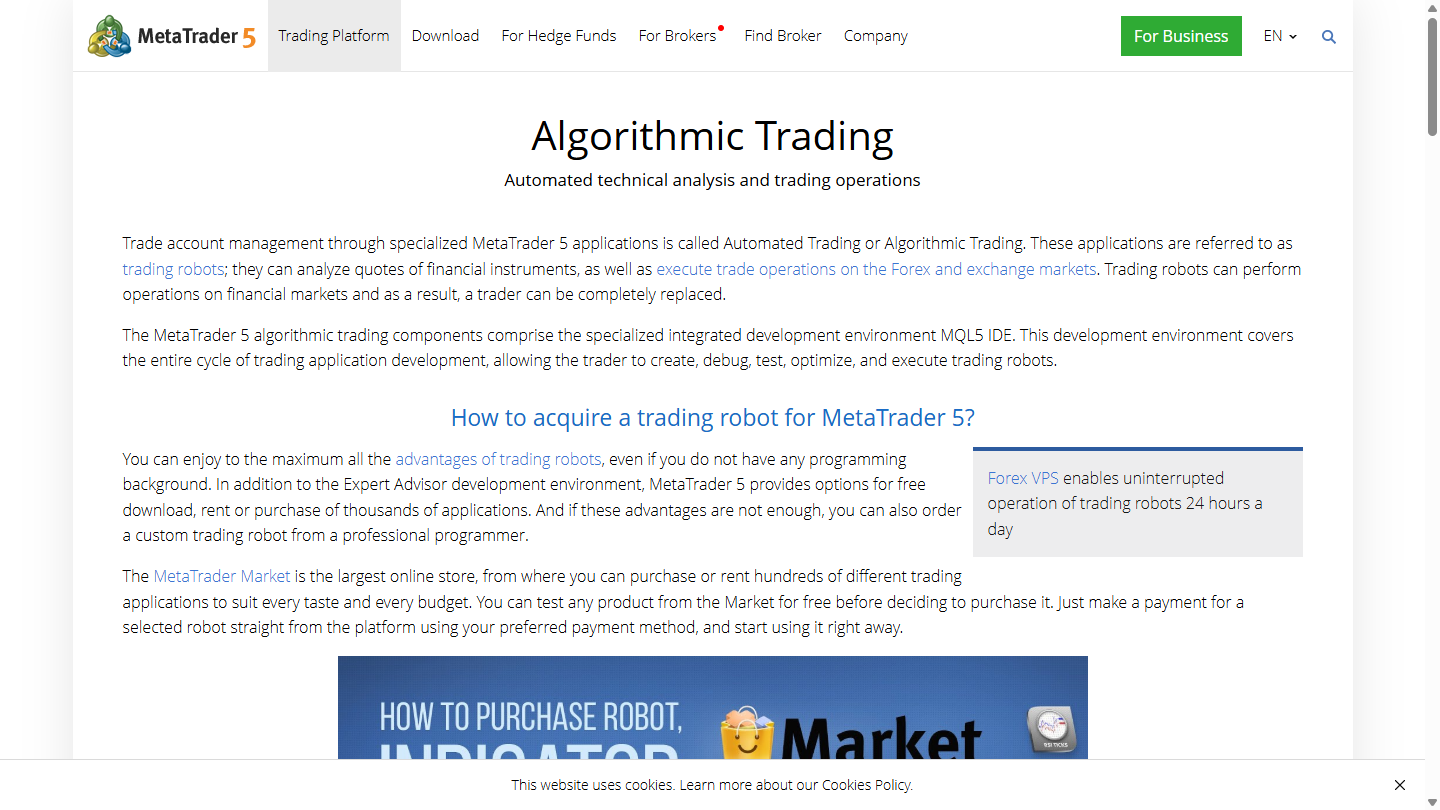
MetaTrader’s public Algorithmic Trading page, read the same day, describes trading robots as applications that can execute trade operations on Forex and exchange markets. That is the host world for Market scripts. It is not the BarionQuant website.
Is the host a broker terminal — or a separate window?
MQL5 Market tools attach to MetaTrader. Soft4FX-style plugins and Market replay utilities stay in that ecosystem even when orders are virtual.
BarionQuant Desktop is a separate Windows application. The empty Training workspace shows Training · No session until you start a local sitting. There is no MetaTrader account field on Download.
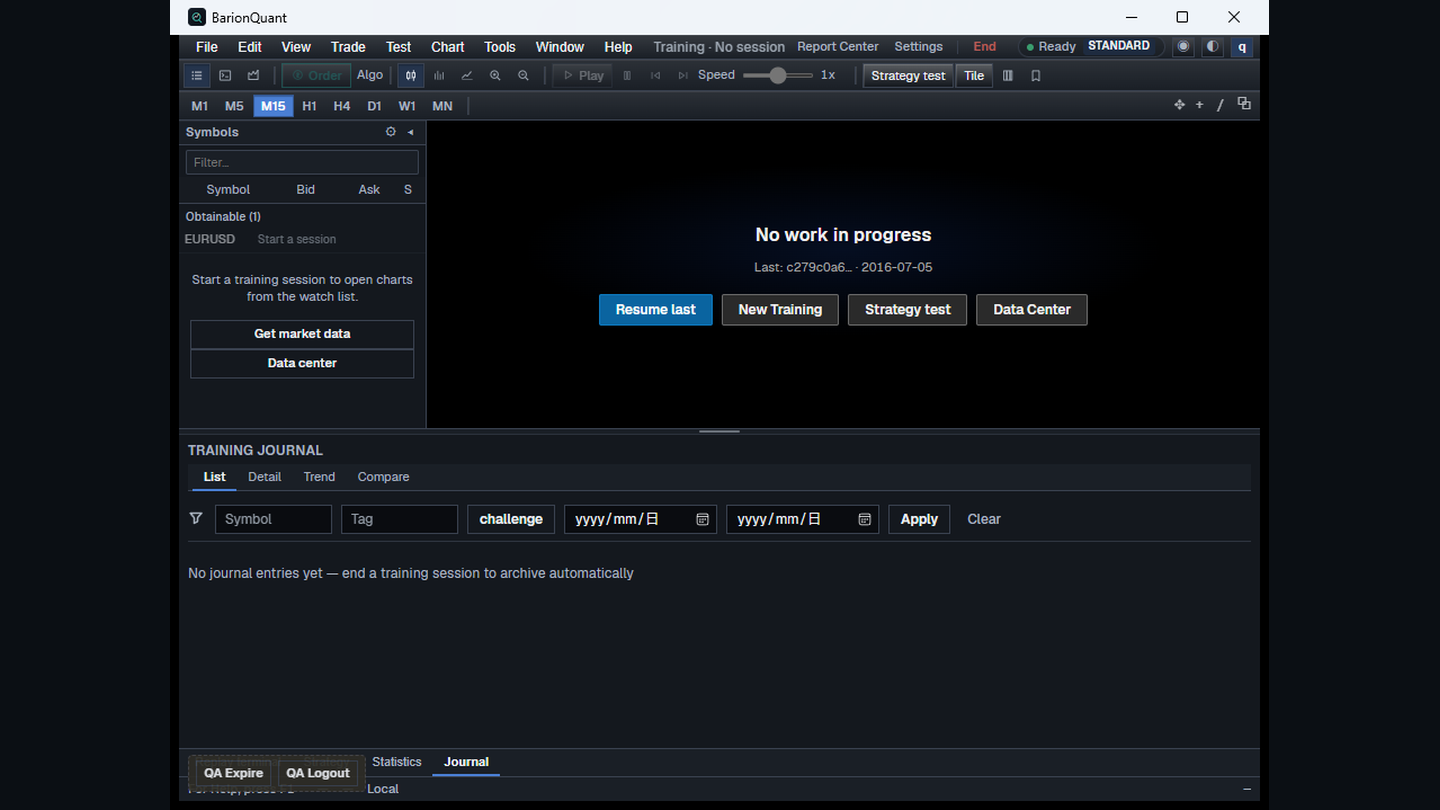
What does the public website claim to sell?
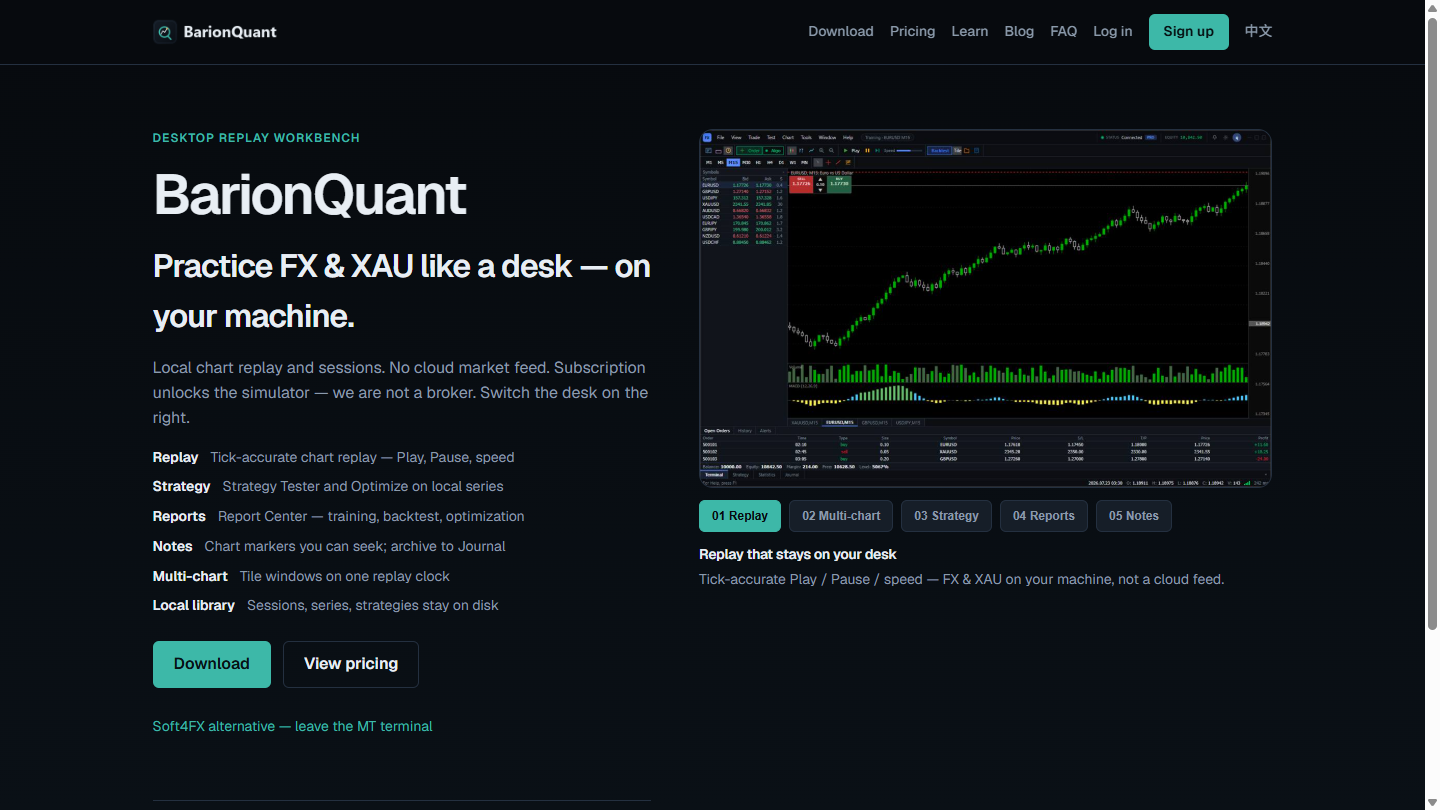
The homepage labels a Desktop Replay Workbench and states we are not a broker. Download lists Windows 64-bit 0.1.0 and Getting started: install, sign in, pull EURUSD and start a local replay session.
What we do
Judgment first. The Desktop is the practice seat. MQL5 listings are for people who already live in MetaTrader and want tools that attach to that terminal.
Free EURUSD on the Desktop is enough to rehearse a session. A paid seat deepens the handbook. We ship Windows today — not Mac, not a browser replay. We do not ask for a broker deposit on Download or Pricing.
Indicators or scripts under the same brand name are not a substitute for that desk. They are not the homepage product.
Honest comparison
What the pictures support.
- Same brand word. Market listing and website both say BarionQuant.
- Order path. The pictured script can send real orders when Algo Trading is on. Desktop Training is paper practice on local data.
- Host. Market tools: MetaTrader. Desktop: a separate Windows window.
- What we lose. We do not replace the MetaTrader indicator ecosystem. We do not ship Mac. Market buyers who only want one-click sizing in MT should stay on Market tools.
Said plainly: keep the script if MetaTrader is already home and you want sizing there. Open Download if you want a local training desk that is not another MT terminal.
Who should skip
Skip the Desktop path if:
- You only want MetaTrader utilities and will never install a separate Windows desk.
- You came for live-order automation as the main product.
- You want this page to teach Algo Trading toggles or EA attachment steps.
Skip treating Market scripts as the website product if you need a non-broker practice seat with a handbook on the same account.
FAQ
Is the MQL5 script fake or stolen?
No. It is an owned Market listing under the same brand. The problem is product-face confusion, not impersonation.
Will you remove the Market tools?
This article does not promise that. Brand policy is to cut the two faces in public writing, not to treat store edits as a launch gate.
Does Desktop place broker orders?
No. We are not a broker. Training Buy / Sell, when shown on a session chart, is paper simulation.
Next step
Download the Windows build if you want the local training desk. Open Pricing if you want the seat after Free EURUSD. If you are still choosing whether to leave MetaTrader at all, read the Soft4FX alternative compare and “Skip the MetaTrader install — or accept it.”
Educational content. BarionQuant is not a broker and does not provide investment advice or trade signals. Market scripts that send orders are account-touching tools — test on demo first as their own pages say. Soft4FX and third-party Market utilities are named for contrast, not as partners. Pages were read on 2026-09-22.
Related reading

Leave MetaTrader to practice — or stay. How to choose vs Soft4FX
8 min
Stay in MetaTrader if the terminal is the point. Leave it if you want a separate training desk and a handbook, not another plugin.
Skip the MetaTrader install — or accept it
6 min
Soft4FX starts after MetaTrader is already on the machine. If you will not install that terminal, you need a different desk — not a better plugin.