How to Backtest Without Hindsight Bias: The Case for Blind Market Replay
A random window, a hidden name, and prices that stay on the scale.
Direct answer
Chart replay stops being practice when you pick the start. The swing you just scrolled past is already in memory, and the date on the axis is a label you can look up. Blind backtesting software changes that setup. The desk draws the window. The symbol name and the calendar stay hidden until you end the session.
Three checks, before any product pitch:
- You do not choose the start date. The window is drawn from history already on the machine.
- The name and the calendar stay hidden. Prices stay on the scale.
- You score the written rules. The paper balance stays out of the grade.
BarionQuant Desktop runs this as a blind session on a Windows practice desk. It does not route orders.
What blind backtesting is
Blind backtesting means the future's identity is withheld and the start is not yours to shop for. You still see candles. You still see prices. You do not see the instrument name or the calendar dates until the session ends.
On this desk the draw is a random 90–180 day window from data already stored on the PC. You choose the period first, so the label can read Blind · H1. You do not choose the calendar span. Prices stay on the scale. A hindsight bias trading simulator, or a random market replay simulator, is useful here only when the name and the dates are covered. One symbol on the PC can still give the pair away through the price. Load another series before you trust that block.
Why a hand-picked start cheats the replay
Scroll an equity or FX index to March 2020 and the shock is already a memory. Open EURUSD on a Non-Farm Payrolls Friday you lived through and the day's direction is already a memory. The right edge then becomes a story you confirm. Stops sit tighter because the low "cannot" break. Winners get room because the trend "has to" continue. Manual scrolling audits a memory. It does not test the playbook under an unknown destination.
3 criteria for a bias-resistant session
1. A random window, not a hand-picked start
Picking the start favors clean trend days and skips the chop where the rules usually fail. The window should come from history you did not just browse.
2. Hidden name and calendar, visible prices
EURUSD · October 2023 · 4H is an outside memory. Hide the ticker and the year. Leave the prices as prices. On BarionQuant the chart label is the word Blind, plus the period you already chose. The symbol line stays hidden until you end. There is no stand-in ticker.
3. A rule log, not a pretty balance
Mark four checks. Ignore the curve until the session is over:
- The entry matched the playbook checklist.
- The stop sat at invalidation before the order.
- Risk stayed inside the fraction you wrote down.
- The exit followed the rule, including the exit you took because stepping got boring.
A 50-trade blind routine
This is a practice block. It is not a click-path through the menus. Checklist detail lives in Learn (https://www.barionquant.com/en/learn).
- Write the checklist before the session: entry, invalidation, risk fraction, exit.
- Pick the period. Let the desk draw a random 90–180 day window from local files. Do not hunt for a start date.
- Take the next 50 decisions the checklist allows. A skip counts. Do not drag the chart to the right edge.
- On each fill, mark the four checks above. Leave the account balance out of the score.
- End the session and read the reveal (symbol and dates). Count rule hits. A green curve with broken stops is a failed block.
- If the price scale made the pair obvious, mark the block as a leaked blind. Add another series before the next 50.
What this desk does
BarionQuant is a local Windows practice desk for discretionary execution. It does not sell signals, bots, or a separate course SKU. A paid seat includes the replay handbook.
Bars for the session come from files on the PC. Reading the plan can require a sign-in before the session starts. After that, stepping does not need a broker login or an exchange API key. The app is a Windows 64-bit desktop build. Bar stepping uses the files on that PC.
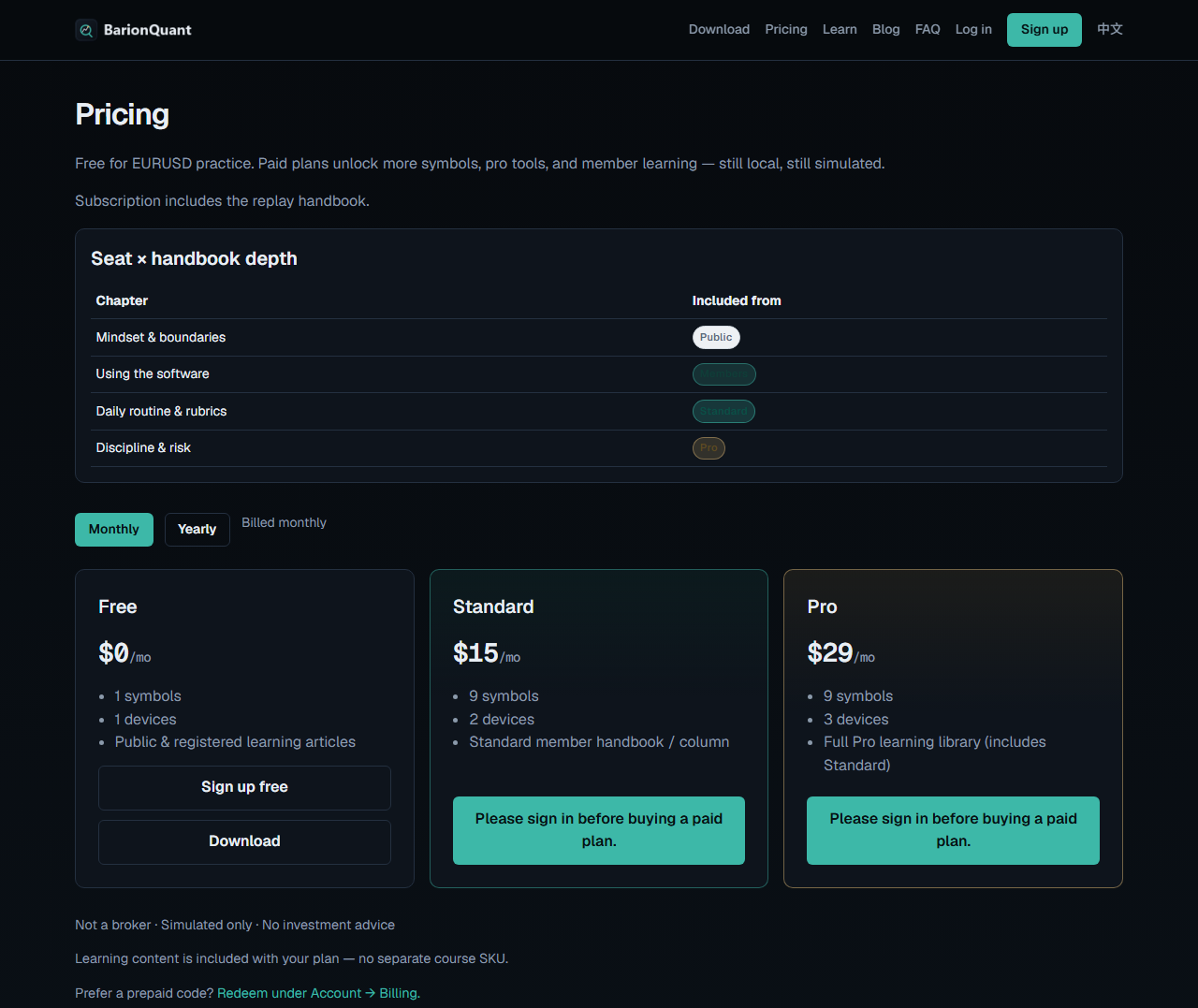
Free includes a EURUSD starter and a one-month Binance BTC sample. ETH and SOL history are on Standard ($150/yr) and Pro ($290/yr). The same pricing page lists Standard at $15/mo and Pro at $29/mo. Prop Challenge stays off for the whole blind session, so the block does not rehearse a daily-loss limit.
Honest comparison
Prices and feature notes below are from public pages as of October 2026, plus our own price card dated 2026-09-14. Same four columns in each block: TradingView Bar Replay, Forex Tester 6, FX Replay, BarionQuant Desktop.
Blind session
- TradingView Bar Replay: you pick the start bar on a chart you can already see.
- Forex Tester 6: the project asks for a date and a symbol.
- FX Replay: cloud session, no ticker mask.
- BarionQuant Desktop: random 90–180 days. Name and calendar hidden. Prices visible.
Where it runs
- TradingView Bar Replay: browser.
- Forex Tester 6: Windows desktop.
- FX Replay: browser.
- BarionQuant Desktop: Windows 64-bit desktop.
Crypto history
- TradingView Bar Replay: broad coverage. Deep 1-minute history sits on higher chart plans.
- Forex Tester 6: extra data packs, publicly listed around $159–$299/yr.
- FX Replay: included while the subscription is paid.
- BarionQuant Desktop: BTC sample on Free. ETH and SOL on Standard and Pro.
Price
- TradingView Bar Replay: about $14.95–$59.95/mo.
- Forex Tester 6: about $149–$299, plus data renewals.
- FX Replay: about $17.99–$35/mo.
- BarionQuant Desktop: Free $0. Standard $150/yr. Pro $290/yr.
Honest limit
- TradingView Bar Replay: you can inspect the chart before the replay bar.
- Forex Tester 6: you name the symbol while building the project.
- FX Replay: the session needs the network.
- BarionQuant Desktop: Windows only. Prop Challenge is off while blind. One stored symbol can leak the pair through price.
Where they are stronger
- TradingView is still the charting and social watchlist most desks already live in.
- Forex Tester still holds the long forex tick archives and the MQL testing path.
- FX Replay is the browser session for people who will not install a Windows app.
BarionQuant is the narrow case: a local Windows block where the name and the calendar stay hidden until you end.
Who should skip
- You trade on macOS or Linux. There is no DMG and no mobile app.
- You want an automated sweep of parameter combinations. Use a research stack for that. This desk is for a person marking a checklist.
- You want signals, alerts, or a funded-account pass. We do not offer those.
- You need prop-firm daily-loss rules inside the blind session. That challenge mode is off while the session is blind.
Pictures on this page
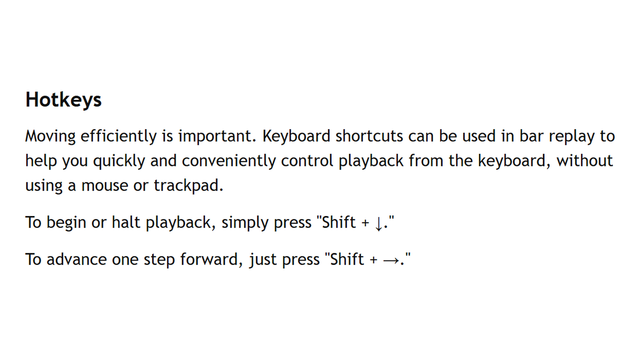
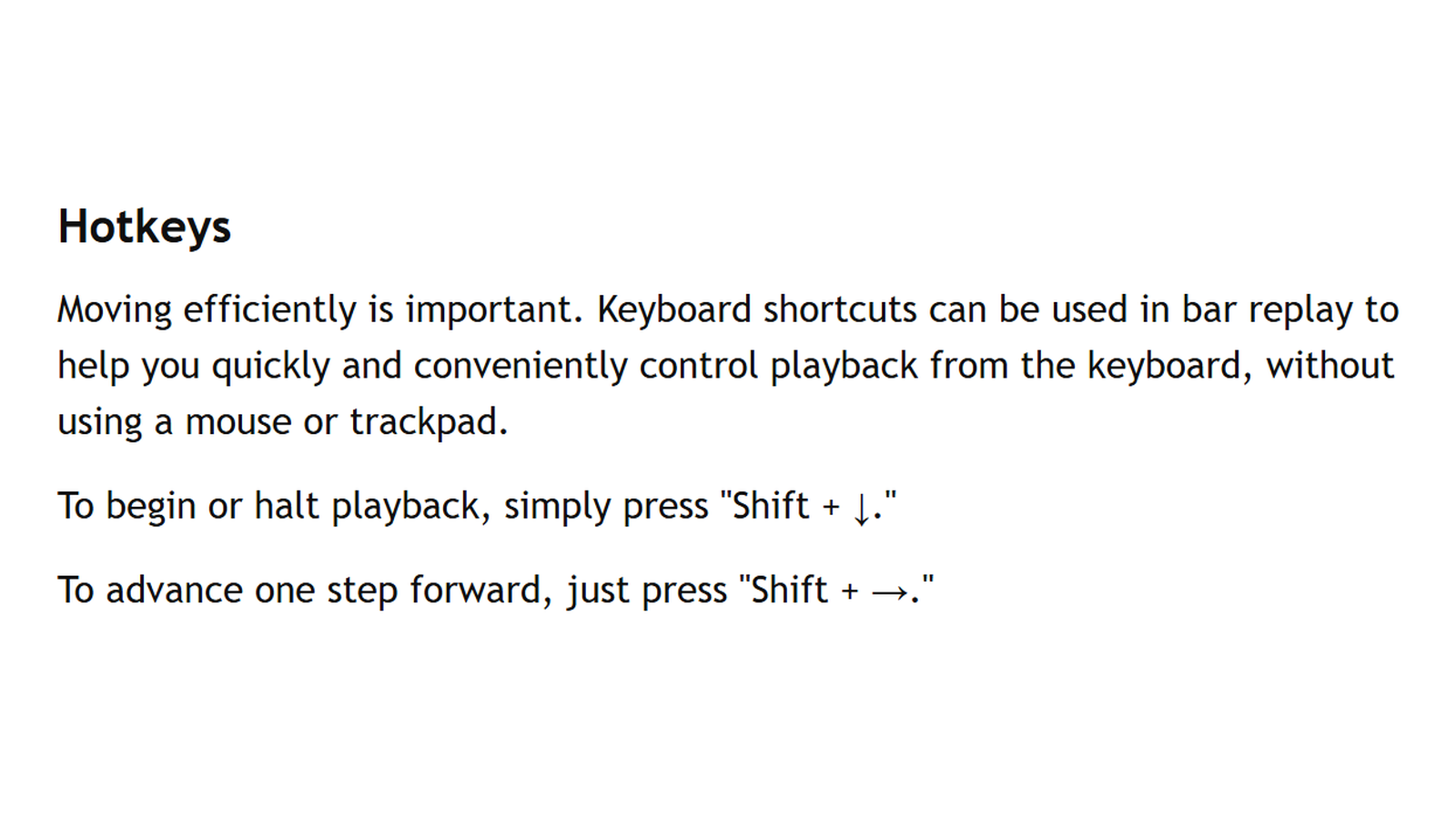
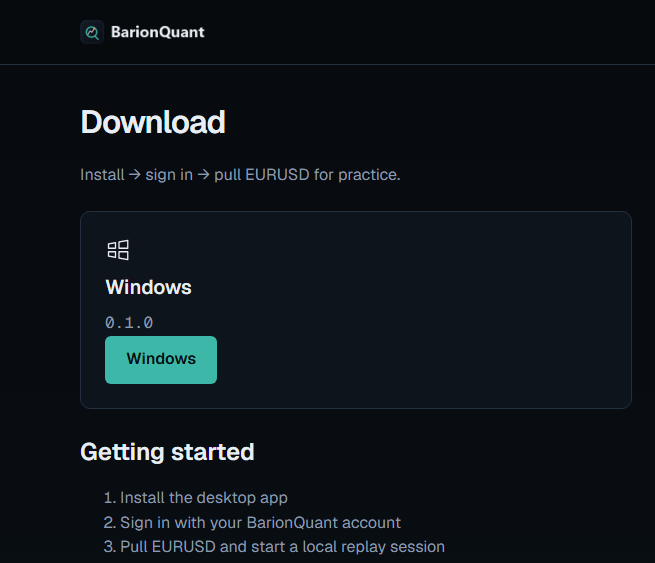
Three shots, all public web pages. None of them is the blind-session window. This article does not include a desktop screenshot of that window.
Frequently asked questions
Are the prices hidden too?
No. Prices stay absolute. The name and the calendar stay hidden until you end the session. If the PC only has one symbol, the price scale can still tell you which pair it is.
Will a blind session enforce a prop-firm daily loss limit?
No. Prop Challenge is off in blind sessions. The block scores the checklist. It does not simulate a funded-account rule set.
Do I connect a broker or paste an exchange API key?
No. The bars are files on the machine. You do not route an order, and you do not hand over an exchange key to load the starter packs.
Next step
- download BarionQuant for Windows (https://www.barionquant.com/en/download) and use the EURUSD and BTC starter packs.
- Read the transparent yearly seats (https://www.barionquant.com/en/pricing) if you need ETH, SOL, or a longer archive.
- Compare the chart you already use: TradingView Bar Replay vs local desktop (https://www.barionquant.com/en/blog/compare-tradingview) and Soft4FX alternative for local replay (https://www.barionquant.com/en/blog/compare-soft4fx).
- The checklist detail is in Learn (https://www.barionquant.com/en/learn).
Educational content. BarionQuant is not a broker and does not provide investment advice, financial planning, or trade execution signals. Simulated replay and backtesting results do not guarantee or predict future performance in live financial markets. Competitor pricing, features, and documentation cited as of October 2026 from respective public websites and support pages. BarionQuant seat prices cited from the price card dated 2026-09-14.