Desktop 0.1.3 — drill packs, four timeframes, and a trade-review clip
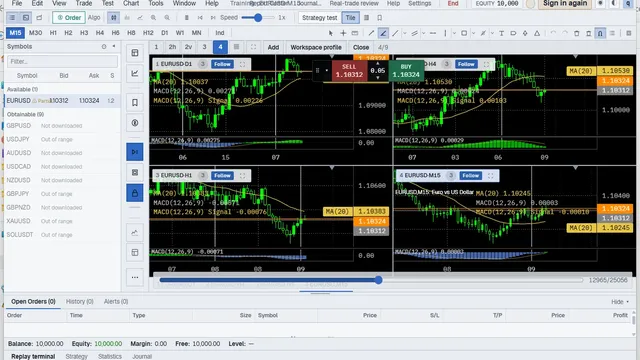
A short release note for the Windows build published 2026-10-25 — what changed, where to get the file, and what this page is not.
Direct answer
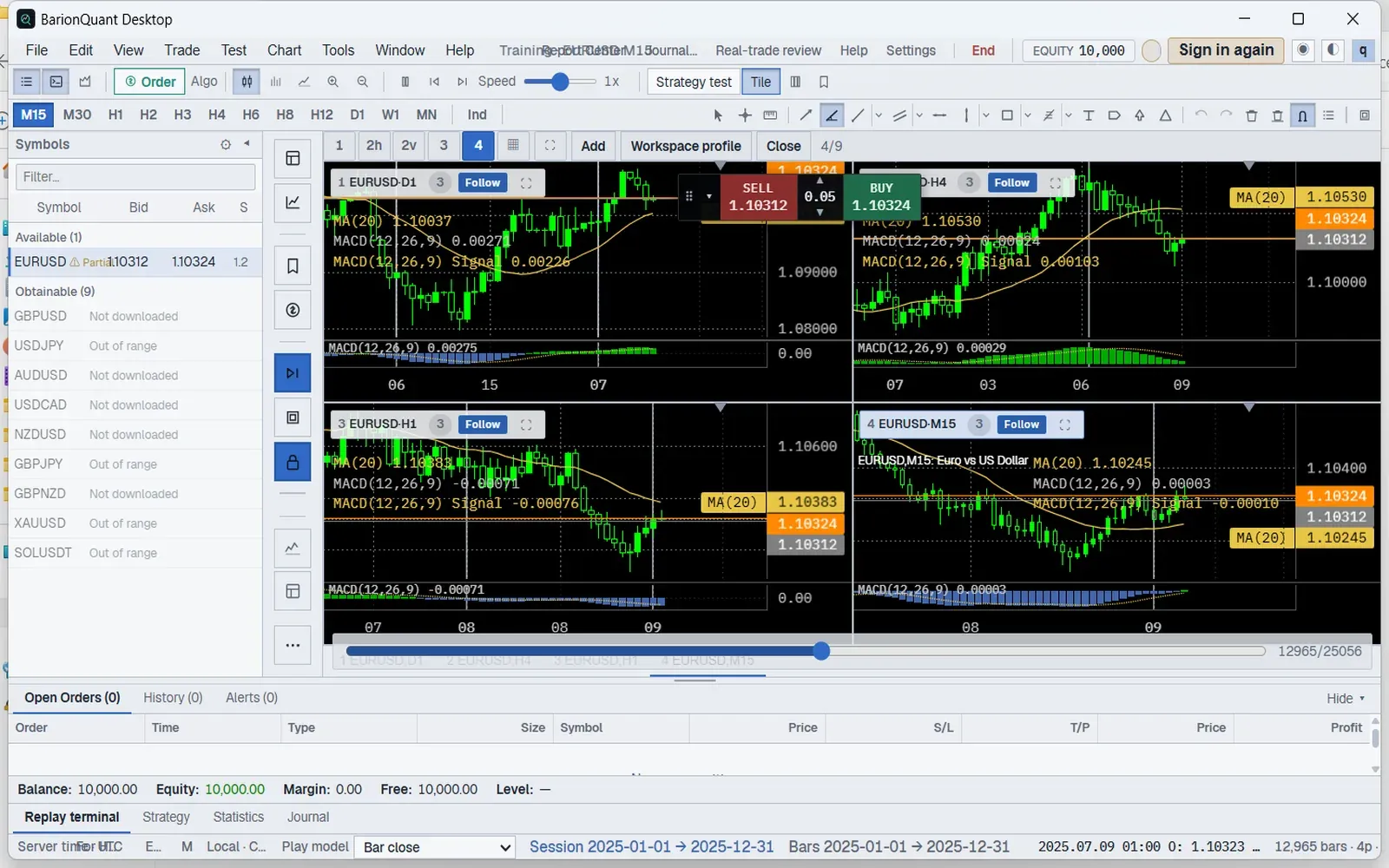
BarionQuant Desktop 0.1.3 is the current public Windows build. Double-click a practice pack to start a sitting. Export a short clip of a review. Four timeframes sit on one screen, and MAE is on the review. Installs on 0.1.2 still run; the update is a soft prompt and does not interrupt a sitting in progress. Practice stays on your machine and stays simulated. We are not a broker.
How to judge
Is the build the public 0.1.3 file?
Match the Download page version and SHA-256 before you run anything. Forum zips and renamed copies are out of scope for this note.
The public Windows installer is BarionQuant_0.1.3_x64-setup.exe. SHA-256 is D521A154FA8216A93464EC816E230166A9610266B1AE32406FC06625E82C4205. Size is 5,839,777 bytes. VirusTotal on 2026-10-24 showed community score 0 / 68. macOS and Linux are not published.
Can 0.1.2 keep running?
Yes. The lowest supported version is still 0.1.2. The recommended version is 0.1.3. A sitting in progress is not interrupted. Get the file from Download (/en/download), not from a forwarded archive.
What actually changed on the desk?
Three things you can see without opening a lesson:
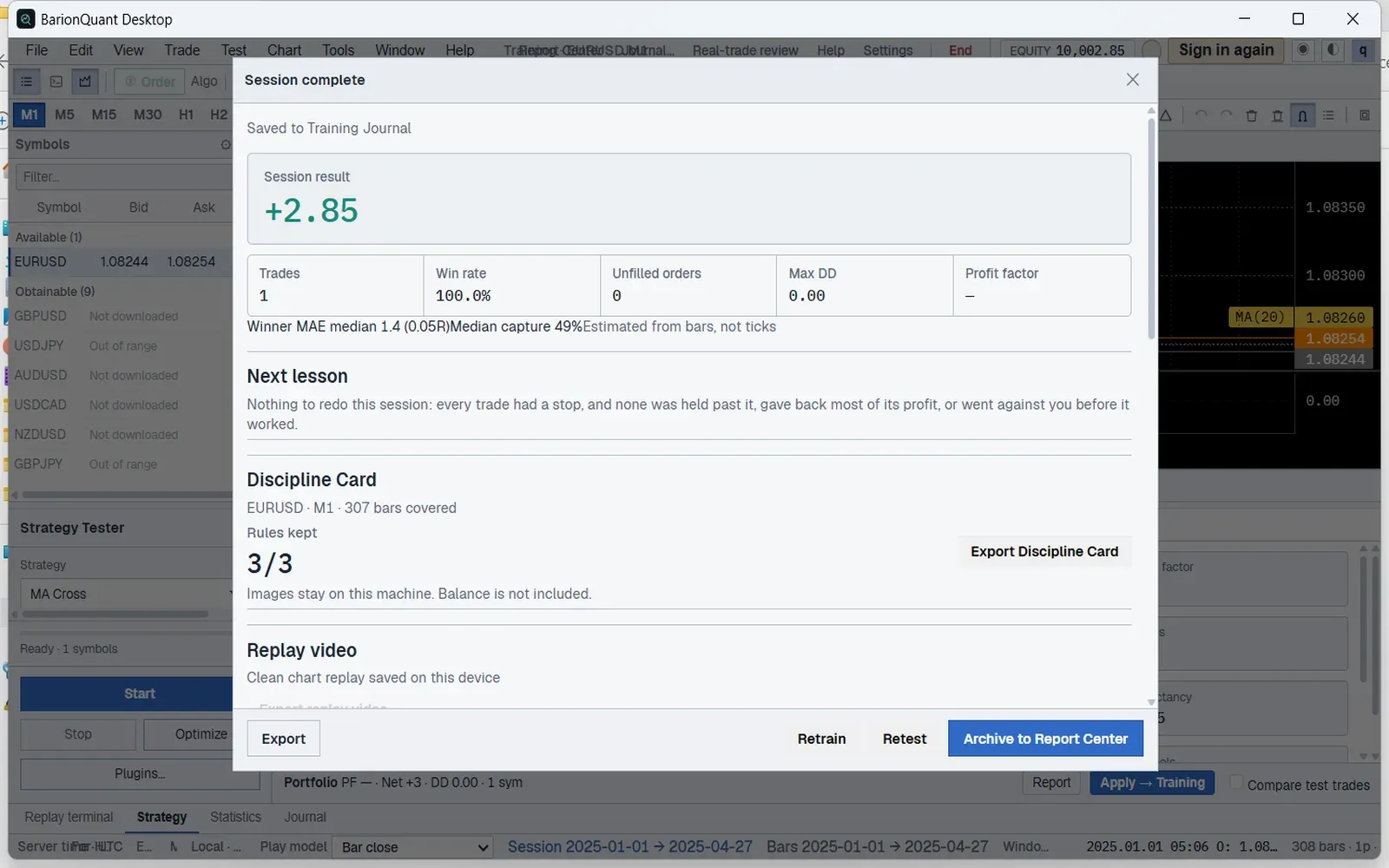
1. Double-click a practice pack and the sitting starts. 2. Export a short clip of a review. 3. Four timeframes on one screen, with MAE on the review.
What we do
0.1.3 tightens the sitting: drill packs, chart tools, and lessons. Login, history import, and the end-of-session summary now say what happened. Practice stays on this machine.
This page is the product changelog. Site maintenance notices live under Announcements. Ops release rows carry installer metadata for the updater — they are not this essay. The three-item block on Practice (/en/practice) and Download is the same story as this note, with the two frames above.
Who should skip
Skip if you wanted a Mac or Linux installer — those are not published. Skip if you wanted a click-by-click pack lesson — that belongs in Learn, not here. Skip if you wanted a maintenance window notice — open Announcements instead.
FAQ
Do I have to update from 0.1.2?
No. 0.1.2 still runs. Settings will offer 0.1.3 as a soft update. A sitting already open is not stopped.
Did prices change?
No. Free, Standard, and Pro stay at the public seats on Pricing.
Is this the same as Announcements?
No. Announcements are site notices. This article is the Desktop 0.1.3 release note.
Next step
Download (/en/download) the Windows build if you want 0.1.3. Open Practice (/en/practice) if you want the three items and the two frames. Keep practice simulated; do not treat a training desk as a broker account.
Educational content. BarionQuant is not a broker and does not provide investment advice or trade signals. Past practice results do not predict future outcomes. Download, Practice, and the VirusTotal report were read on 2026-10-25. Competitor prices are not cited in this note.